Munjez
Your Ultimate Productivity App
Tasks, habits, focus sessions, notes, whiteboard, and widgets — all in one beautiful, offline-first app.


Everything you need
to stay productive
12 powerful tools packed into one fast, beautiful app — from tasks and habits to notes, whiteboard, and floating widgets.
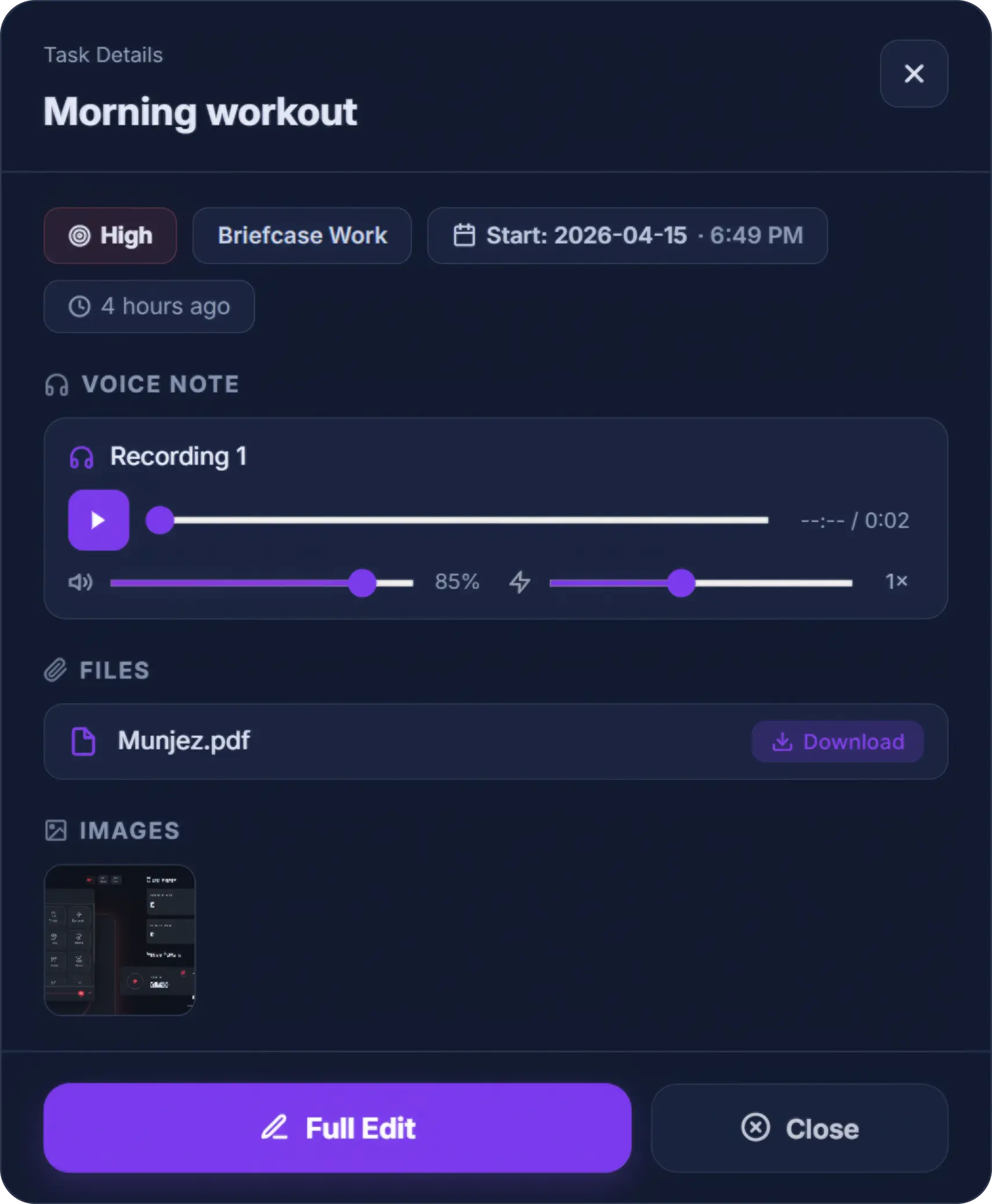
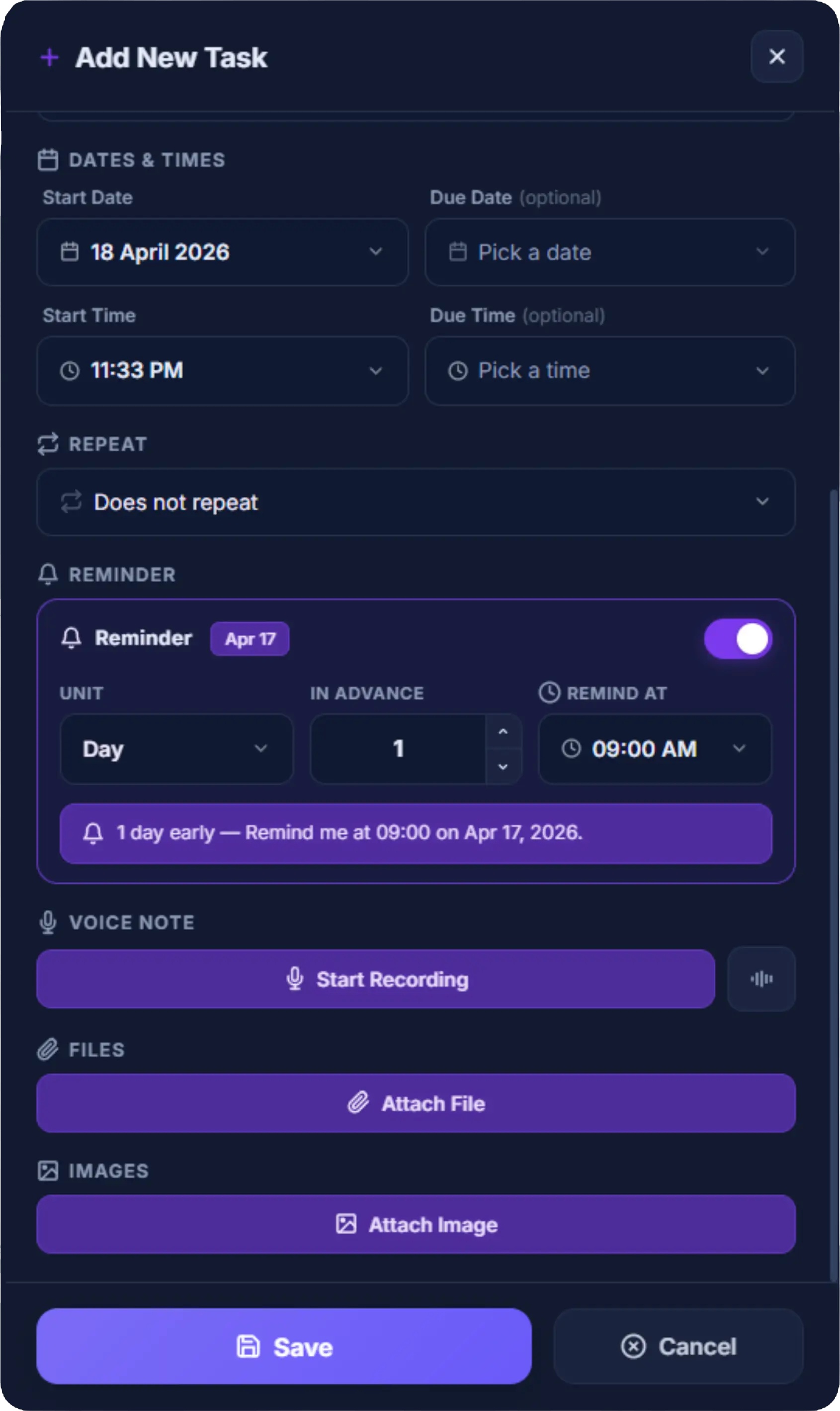
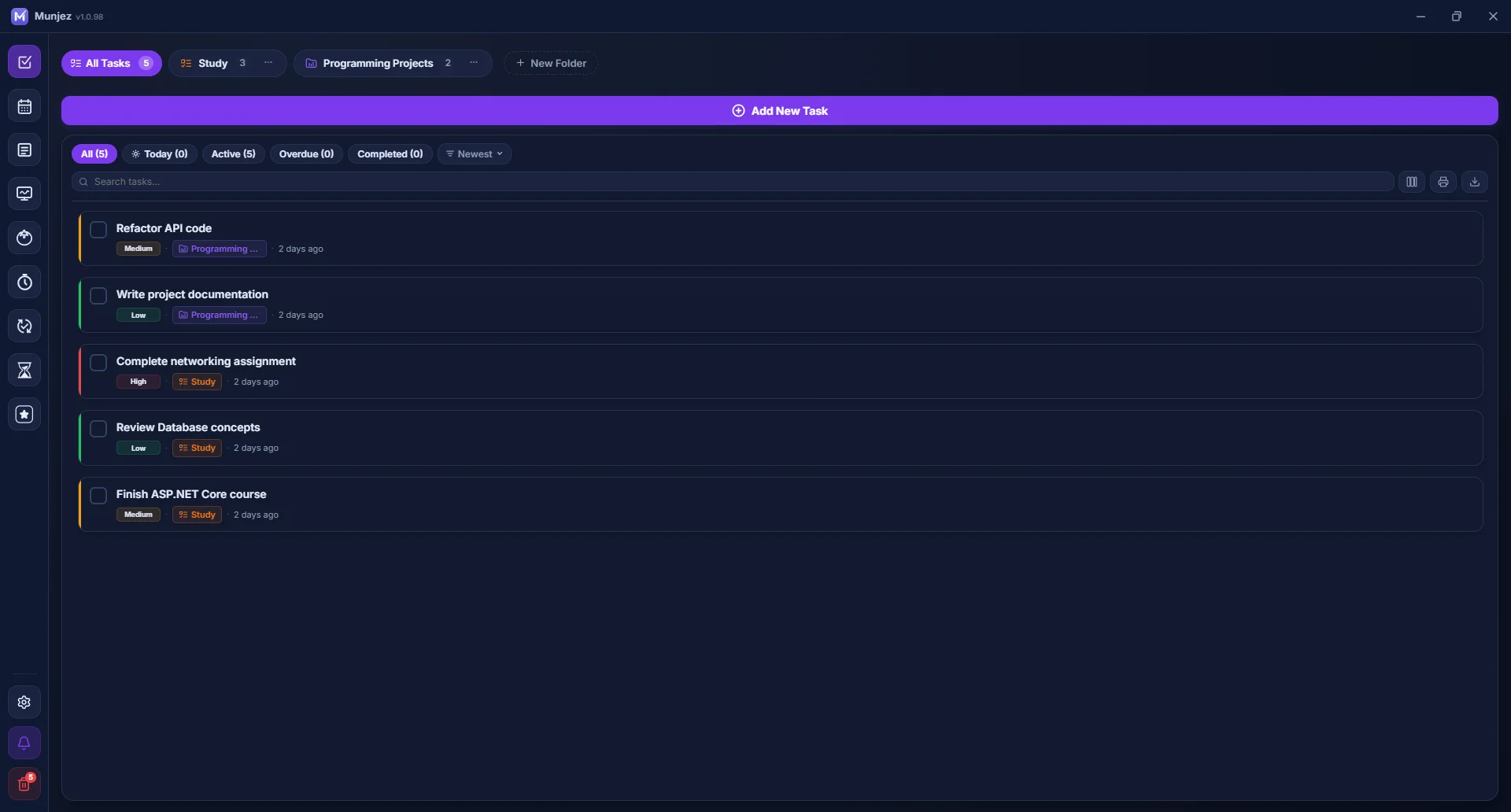
Smart Task Management
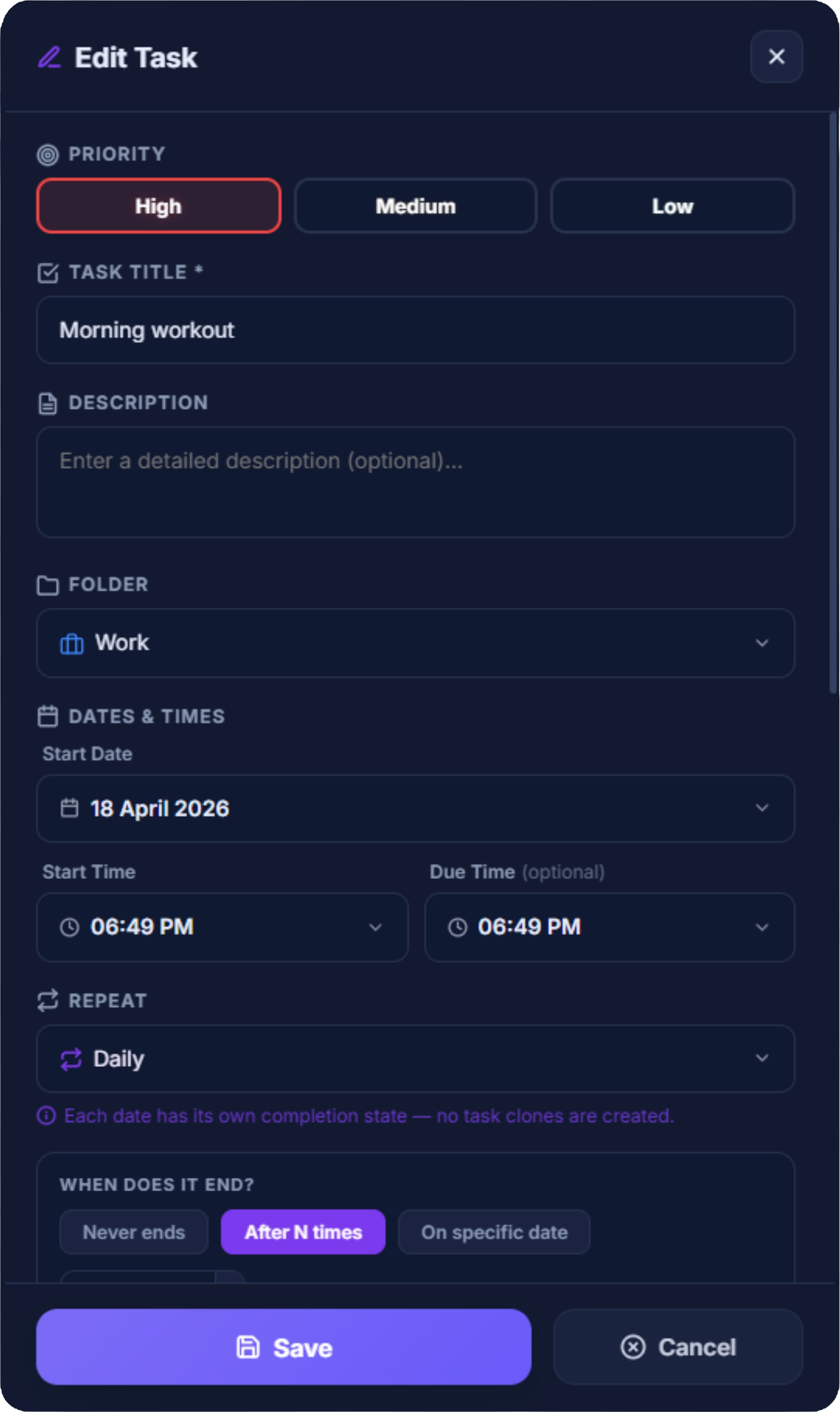
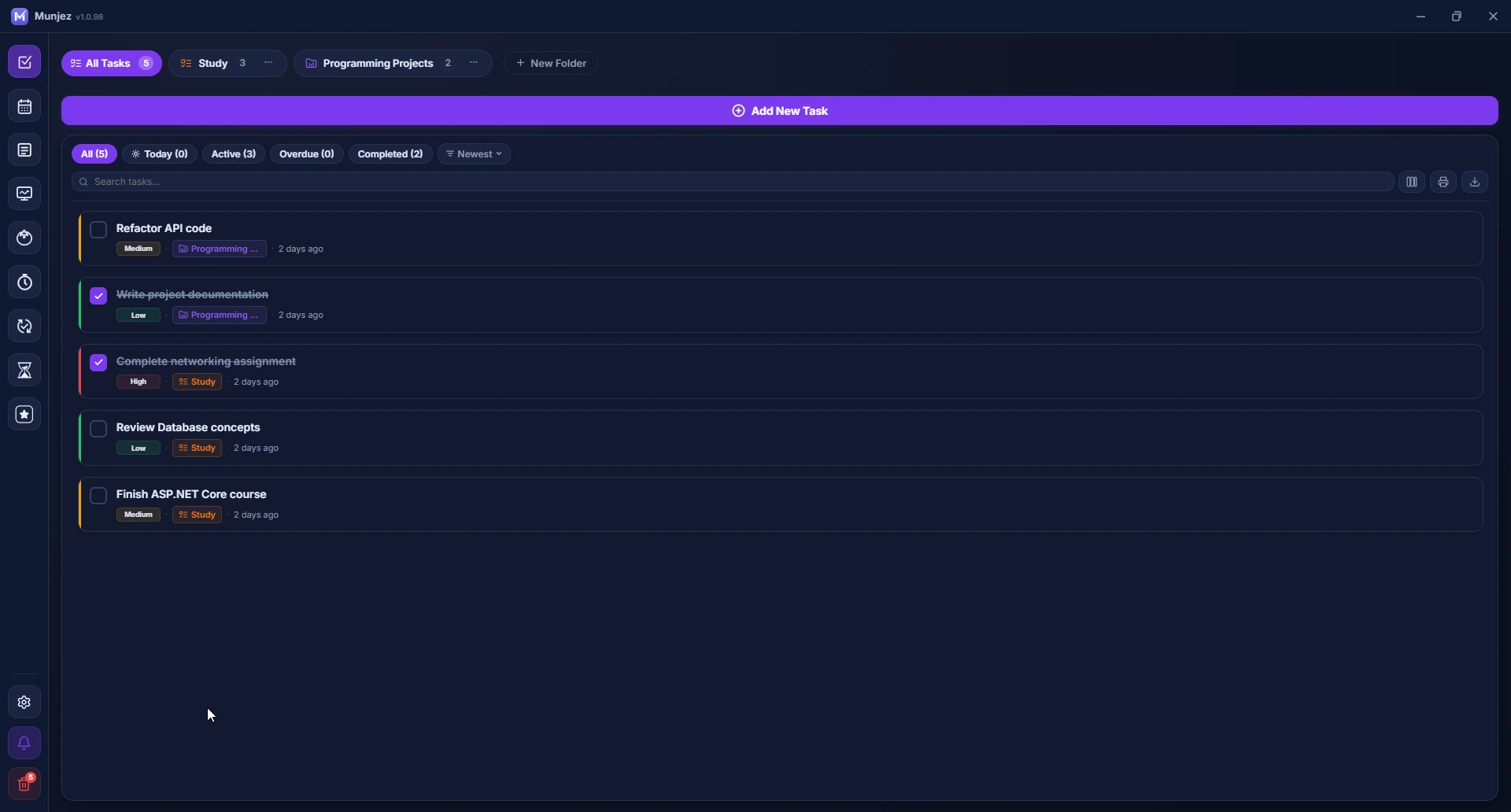
Organize tasks into folders with priorities and due dates. Set recurring tasks, attach voice notes, files, and images — every detail covered.
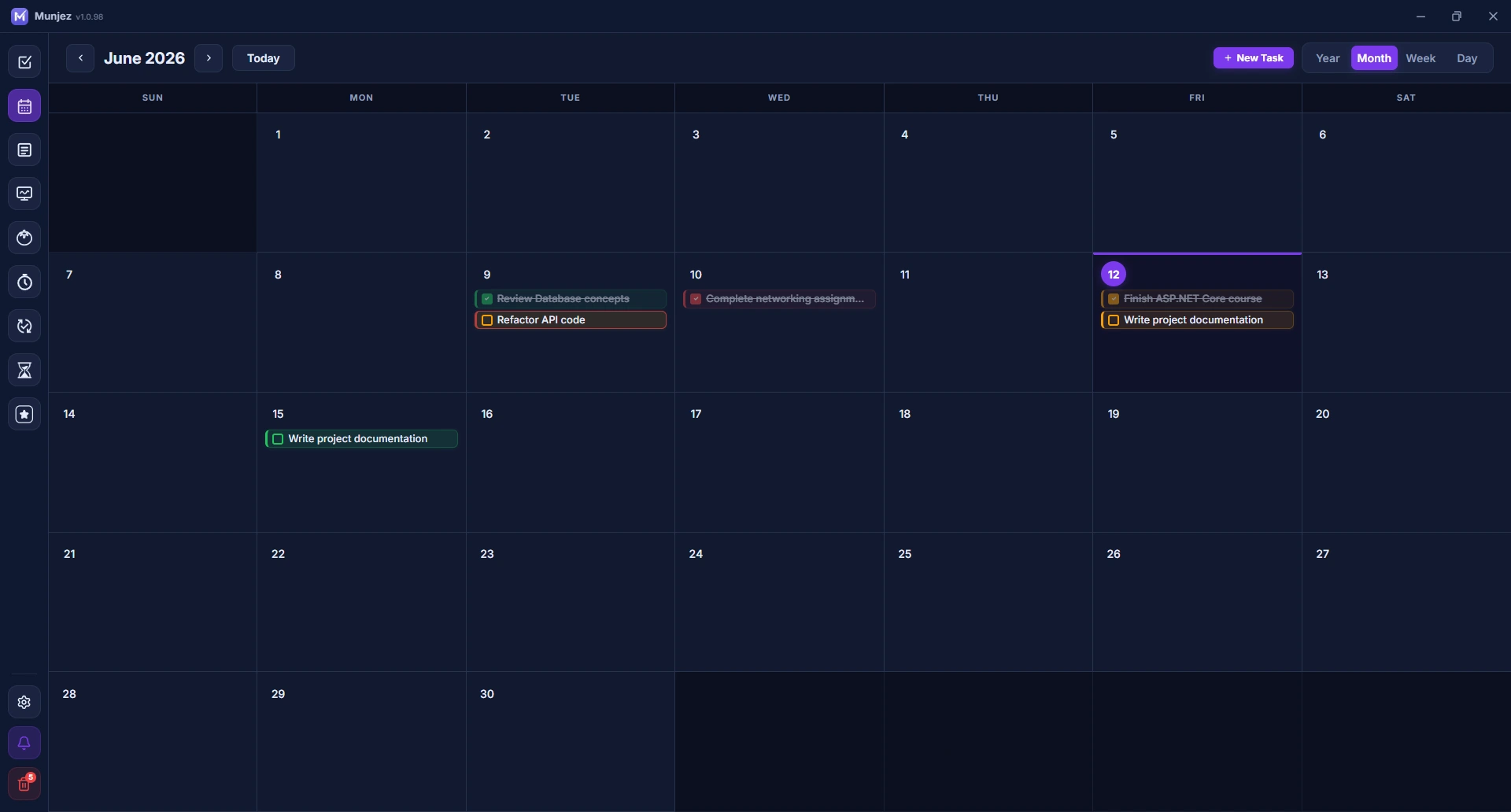
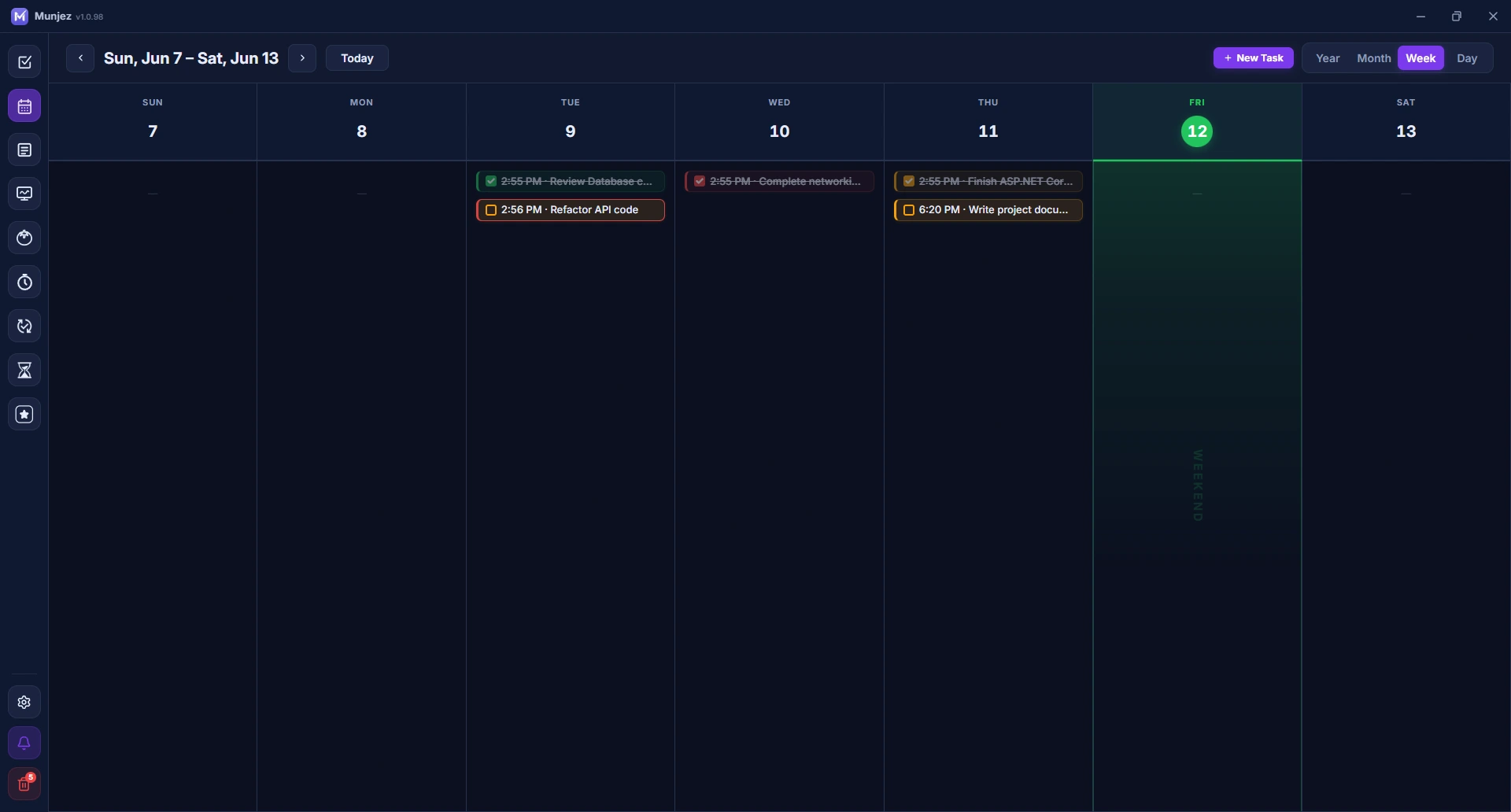
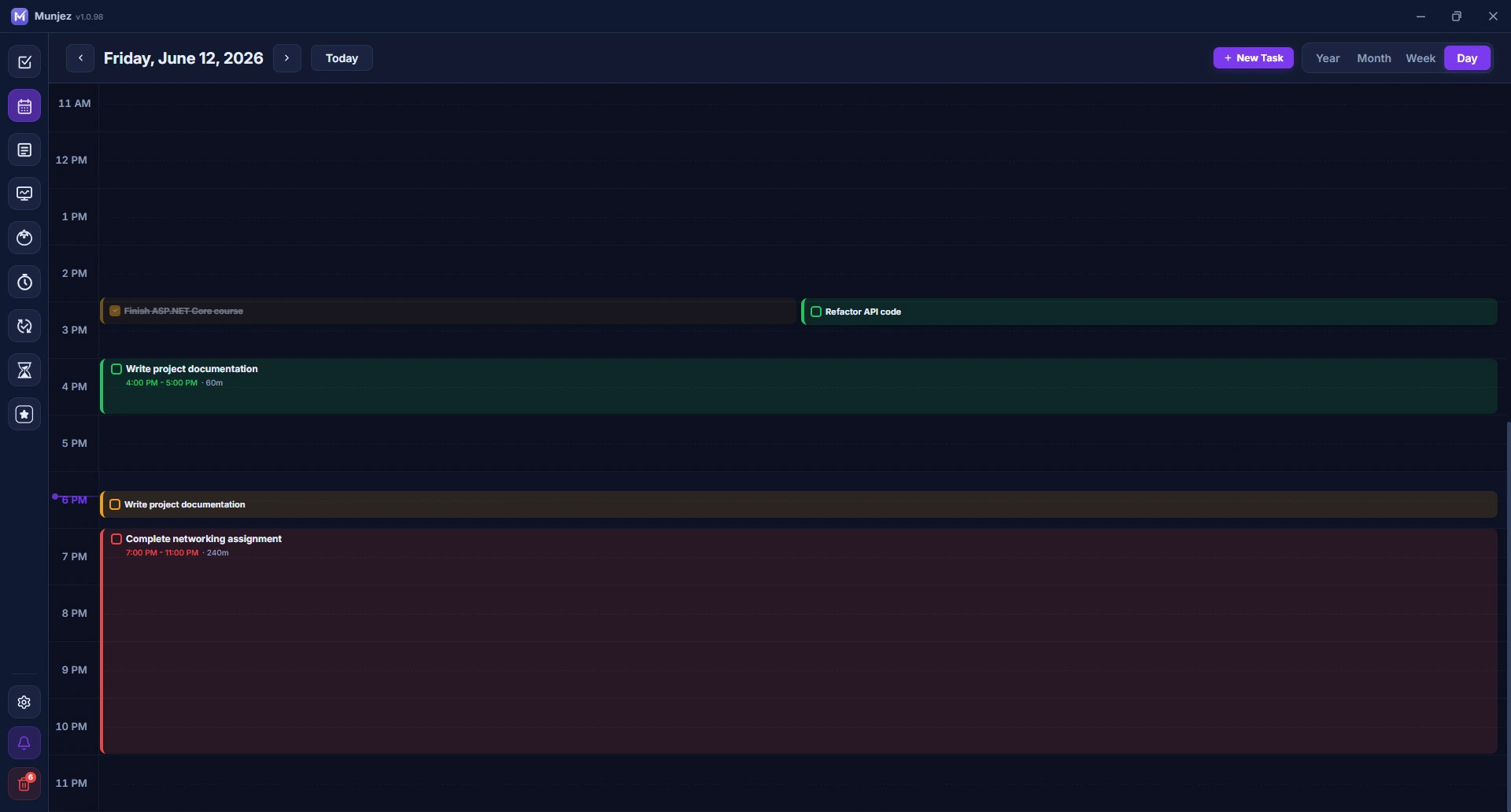
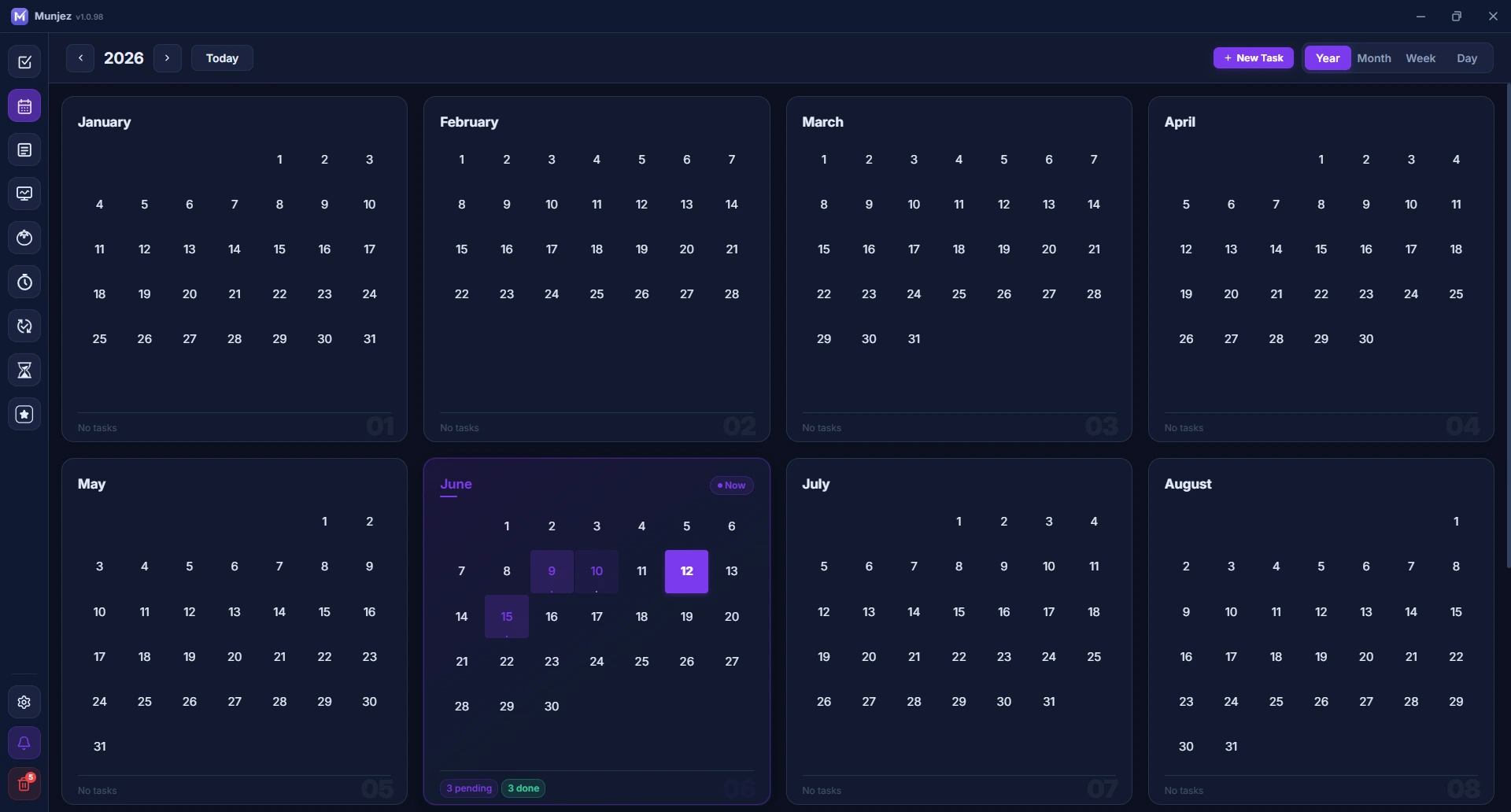
Calendar Integration
View your tasks in Year, Month, Week, and Day views. Full Hijri calendar support with drag-and-drop task scheduling across dates.
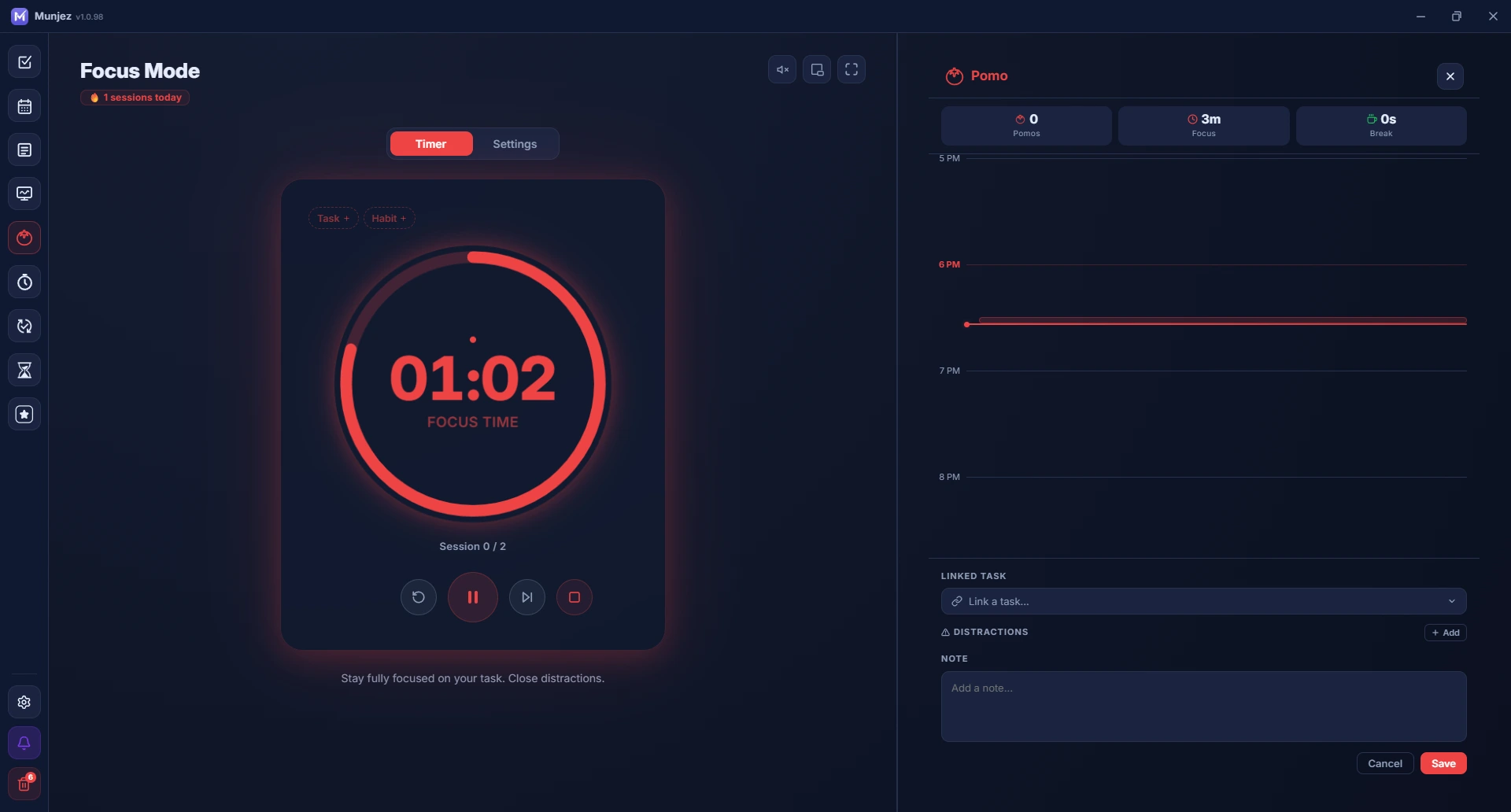
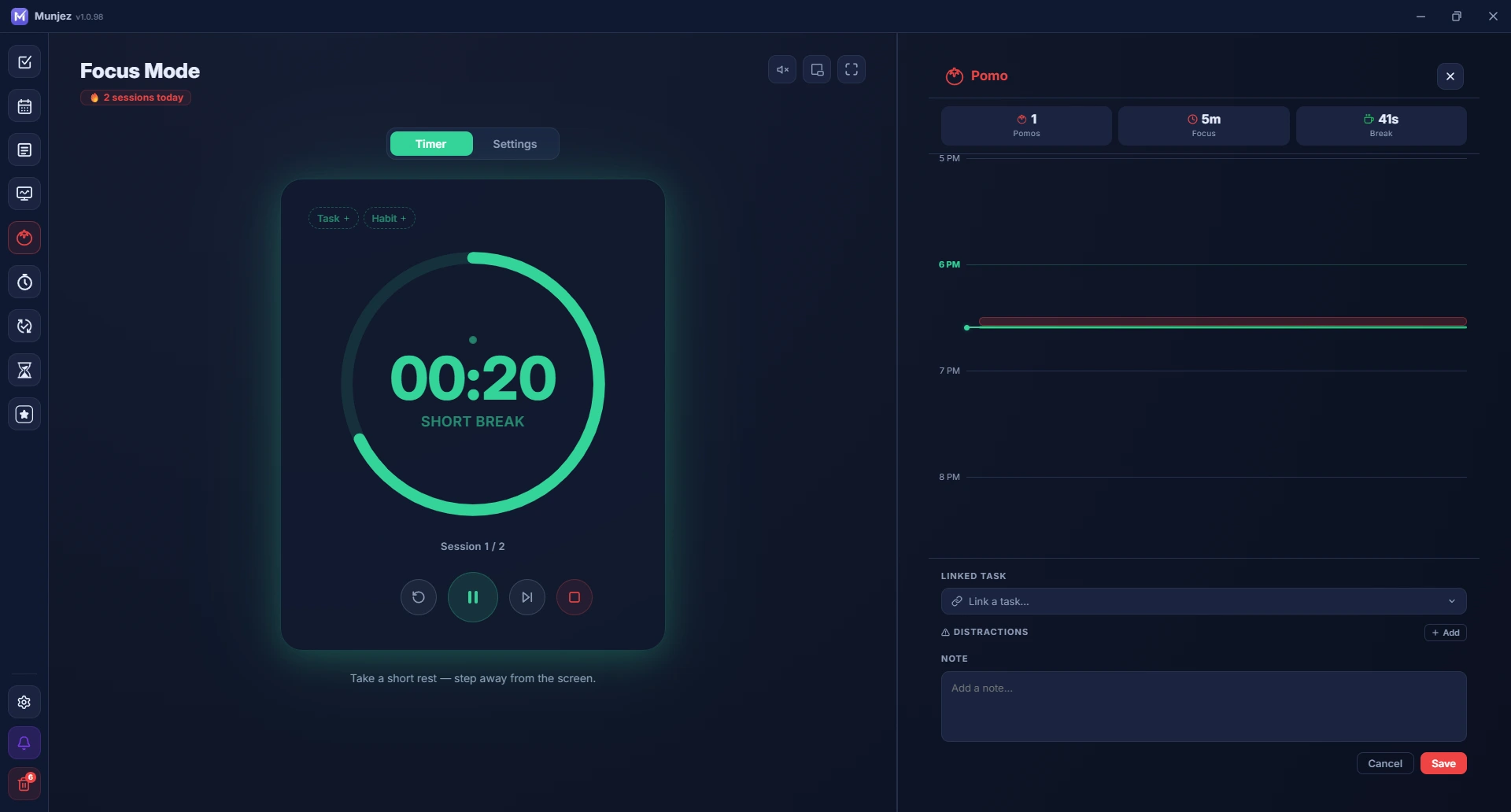
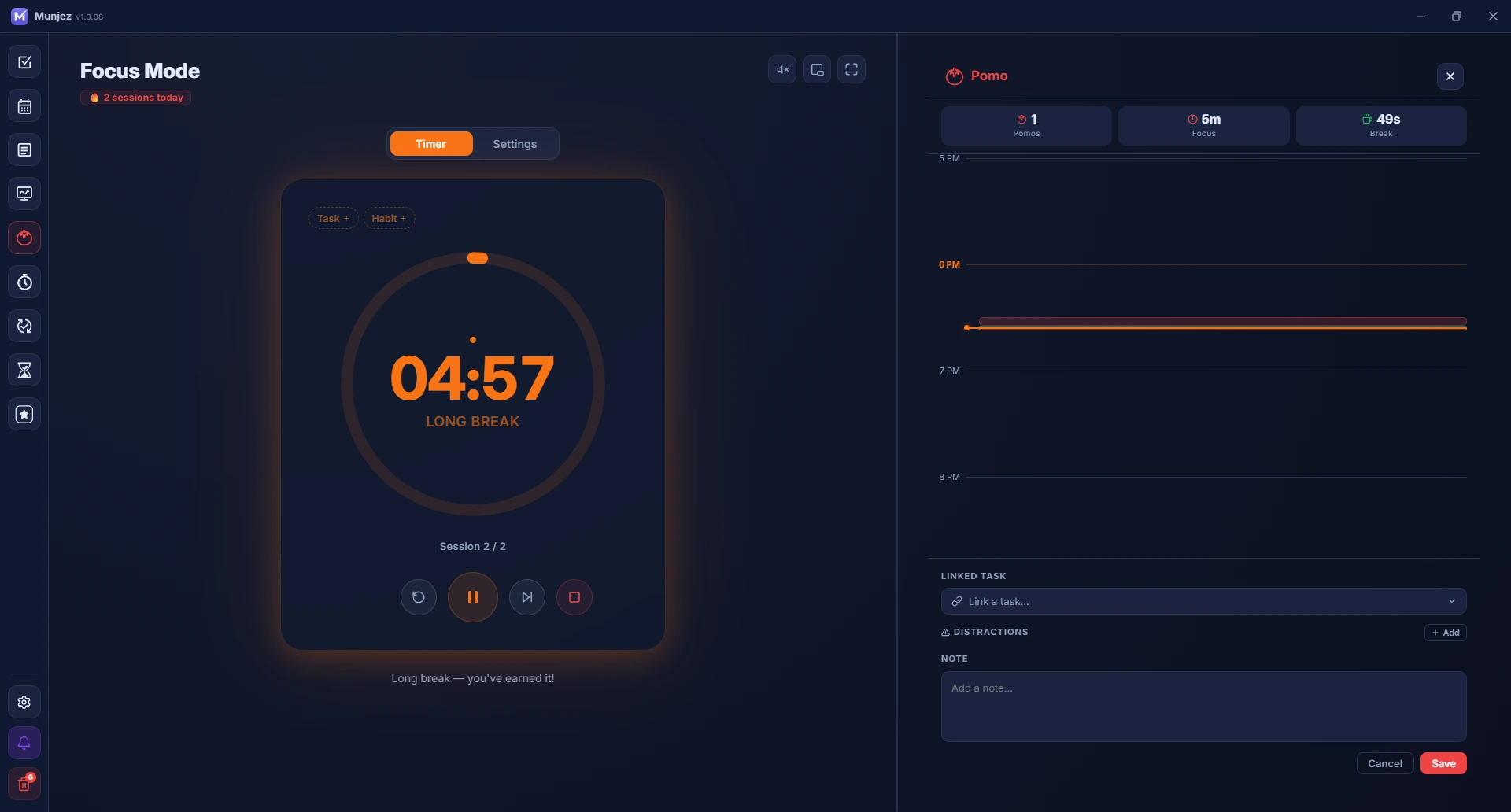
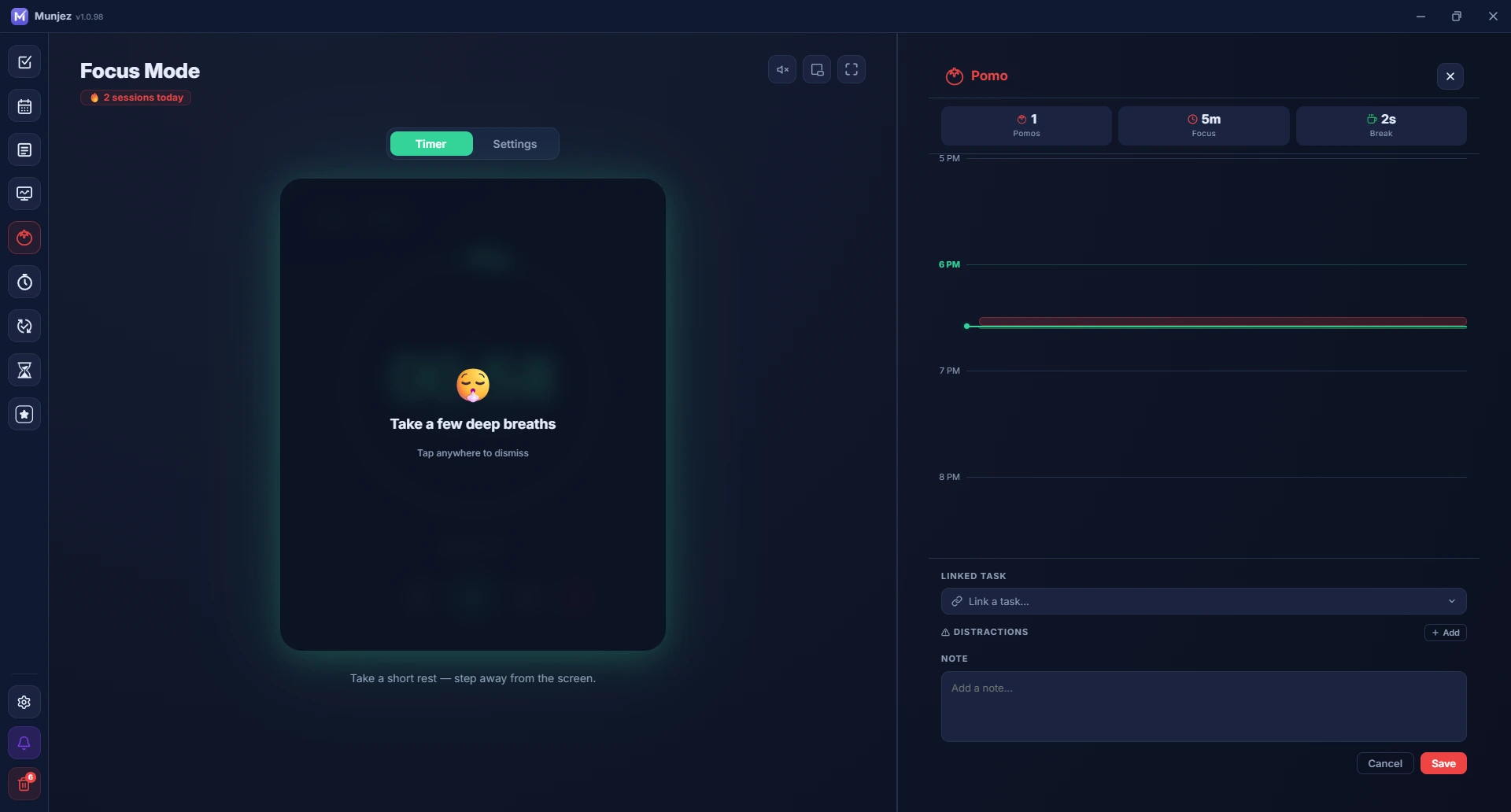
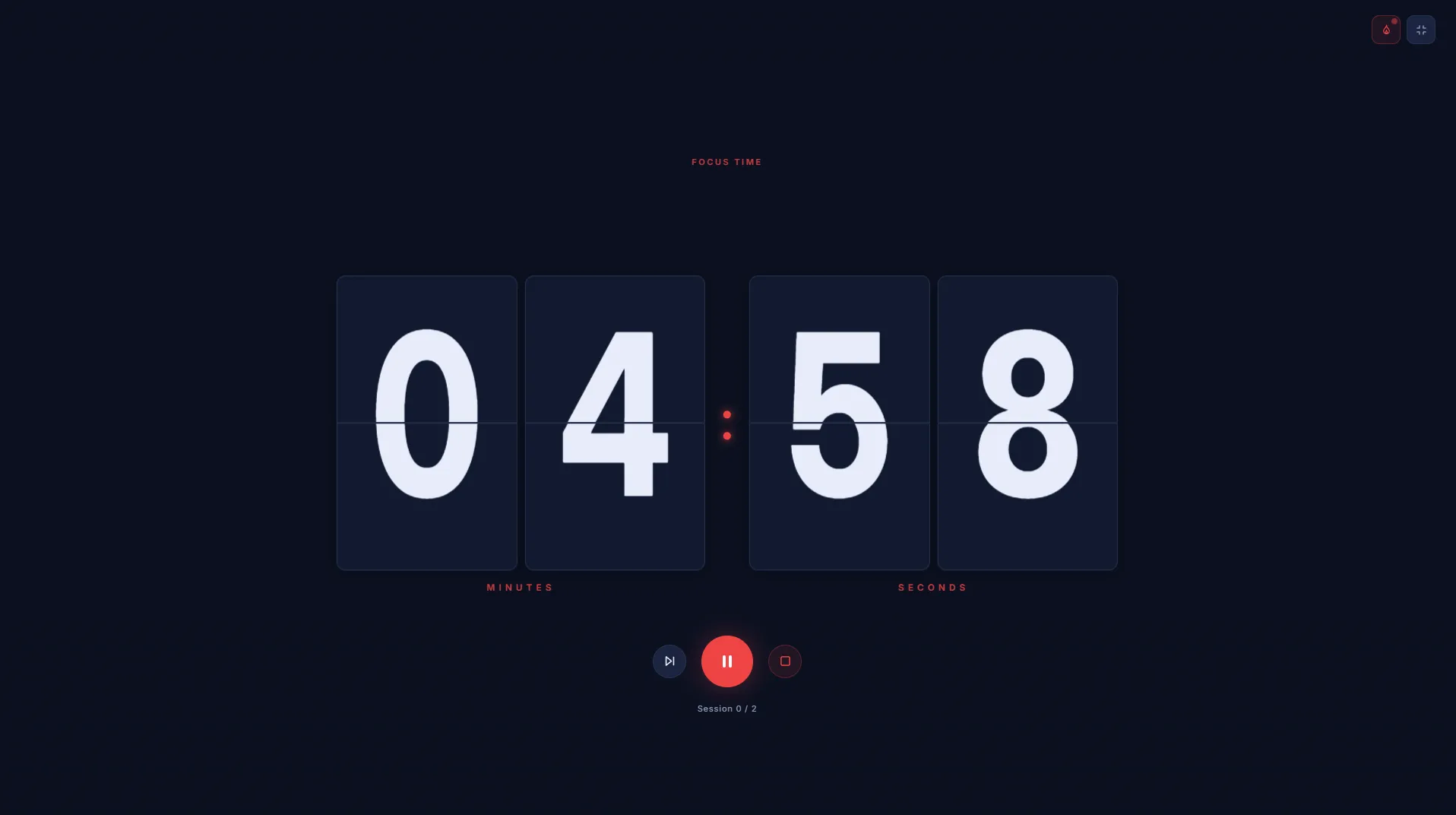
Focus Mode (Pomodoro)
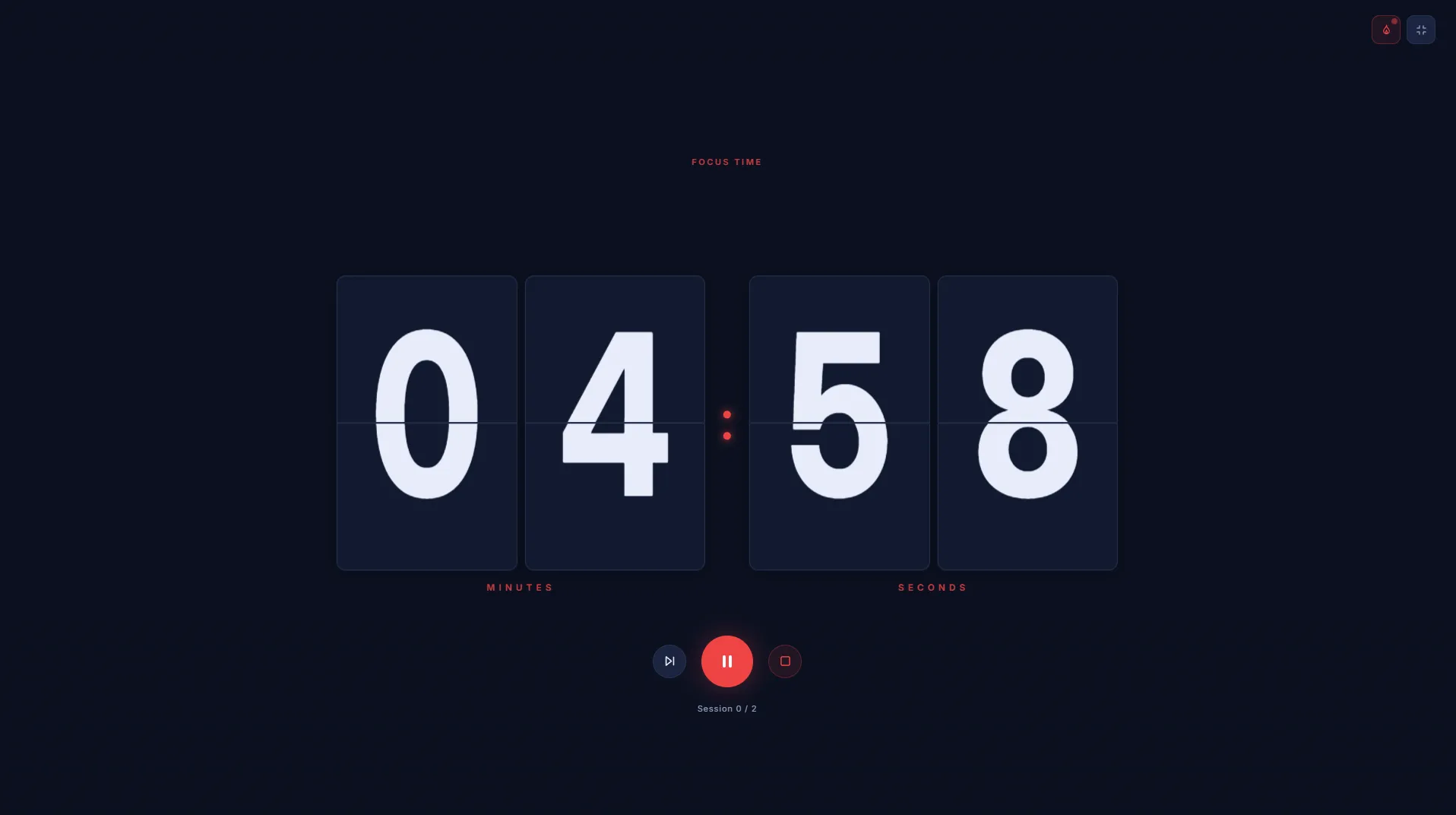
Stay productive with timed focus sessions and breaks. Color-coded phases keep you in the right mindset — red for focus, green for short breaks, orange for long breaks.
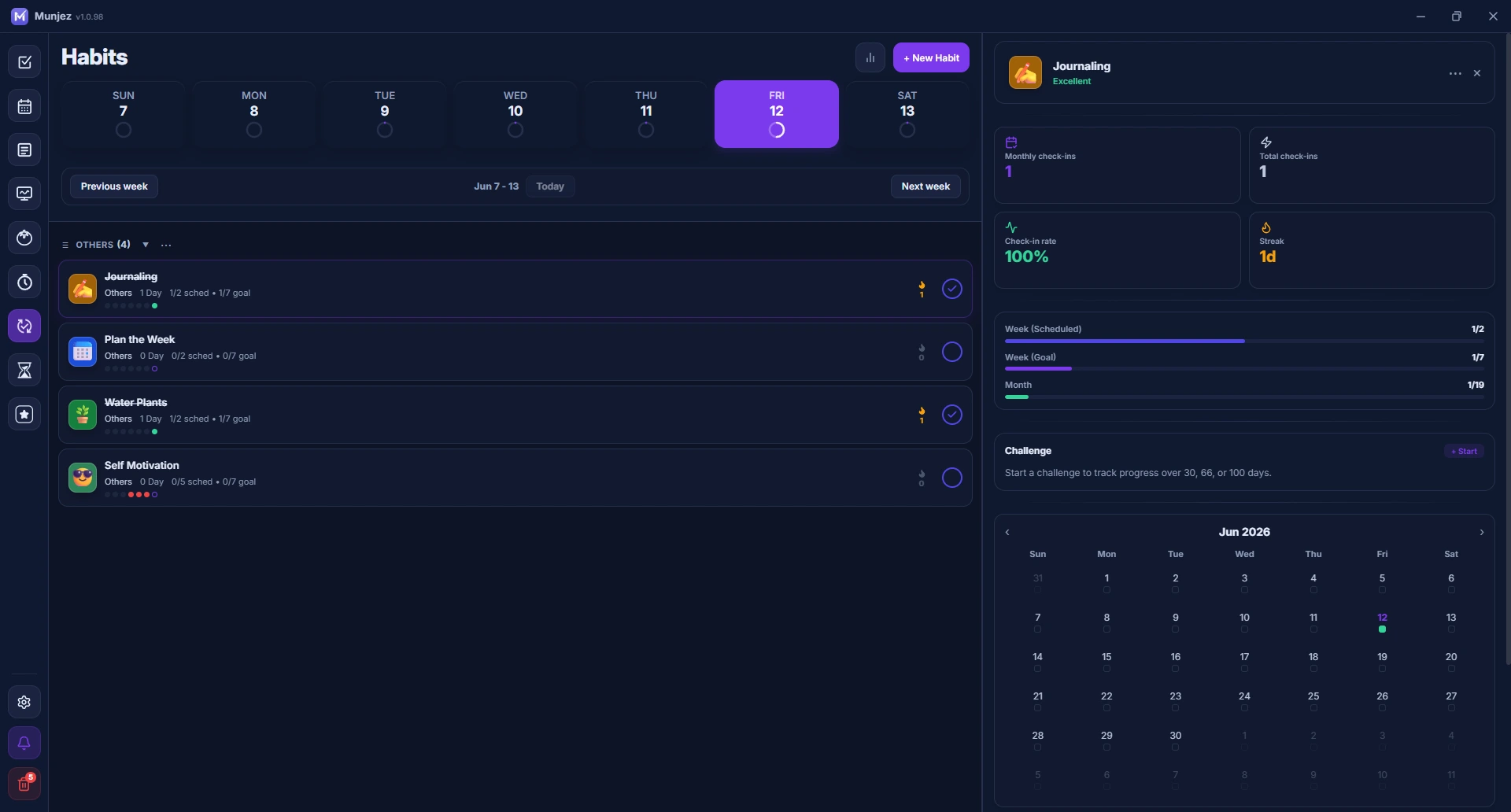
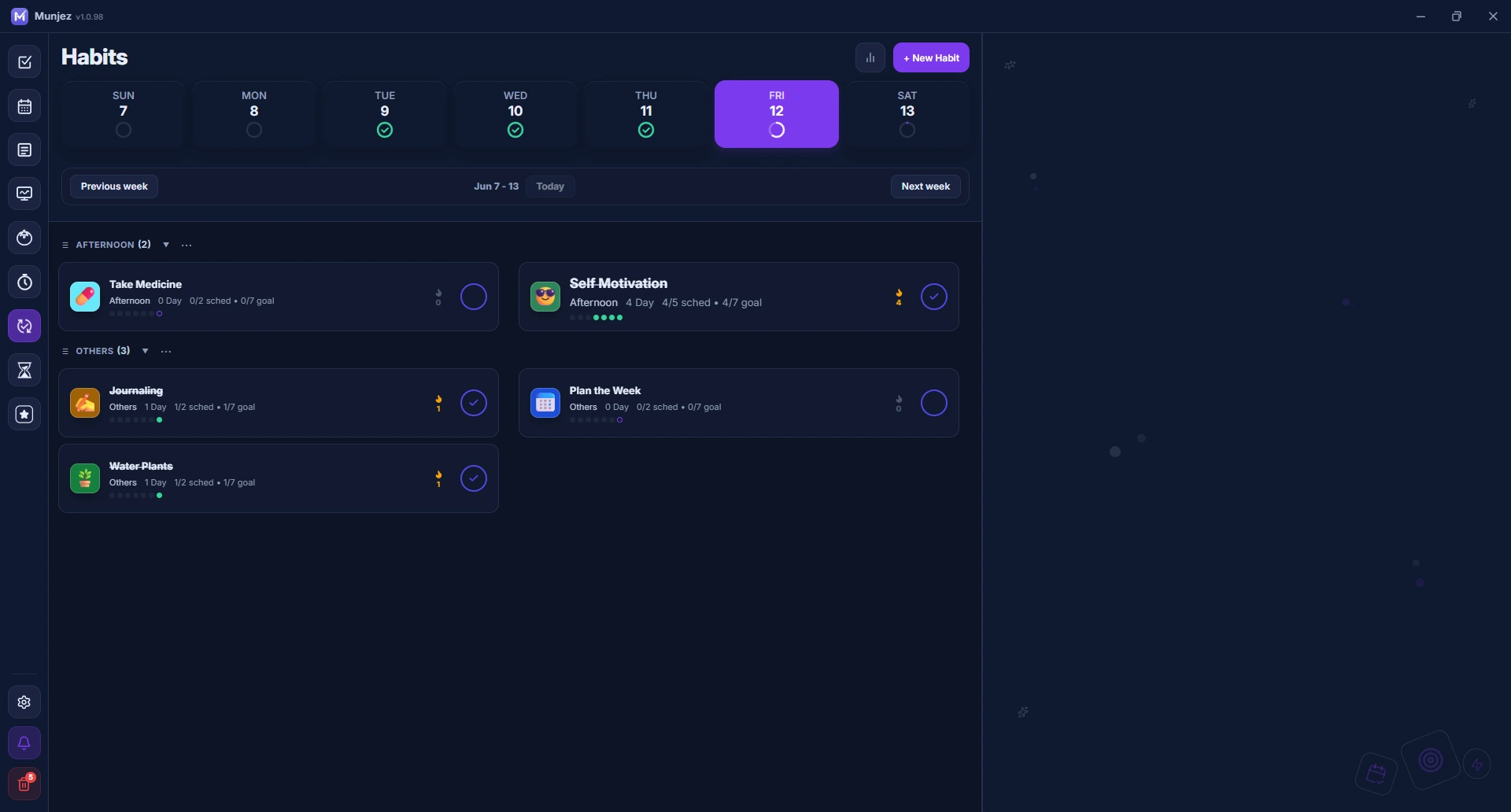
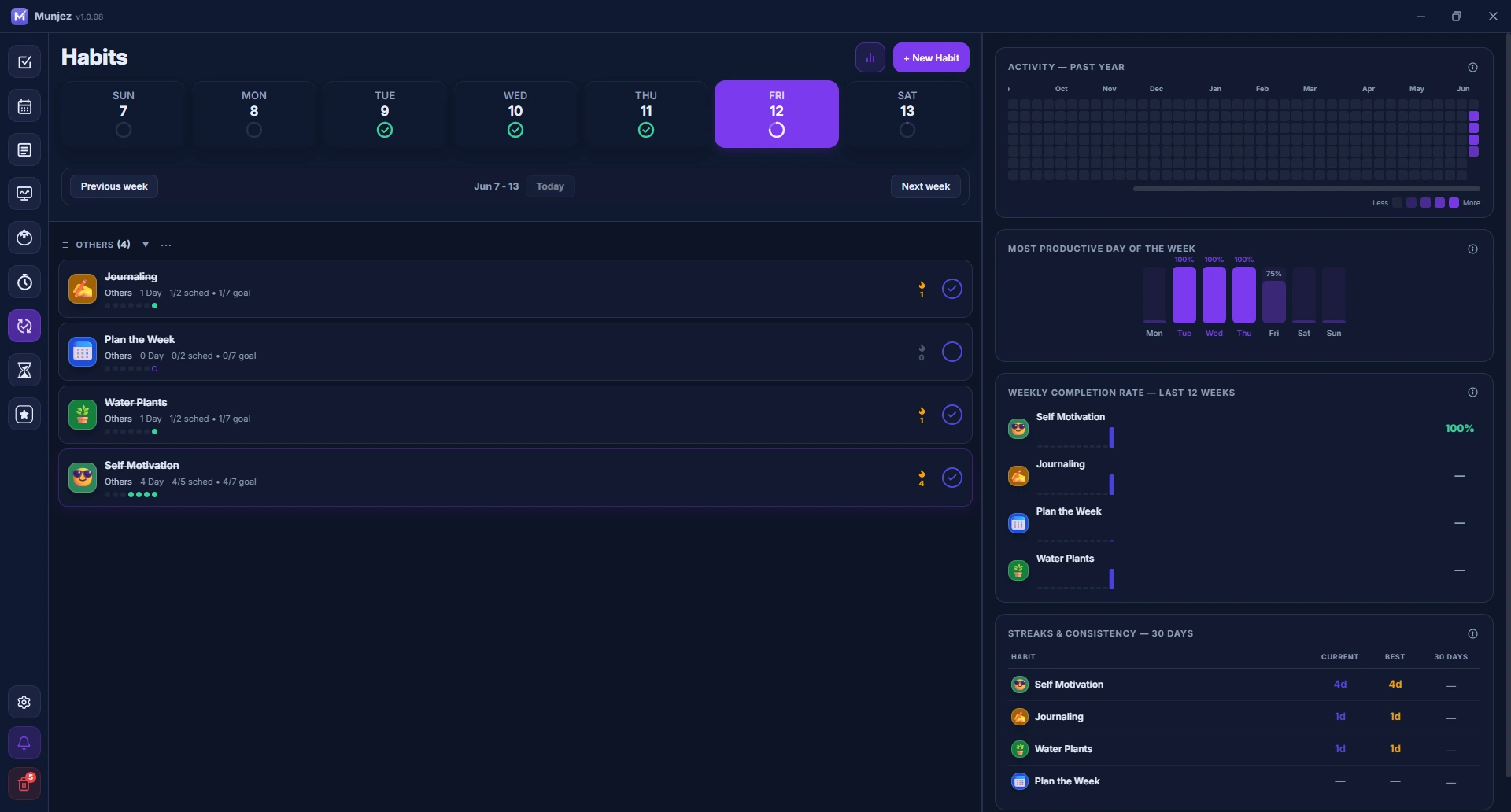
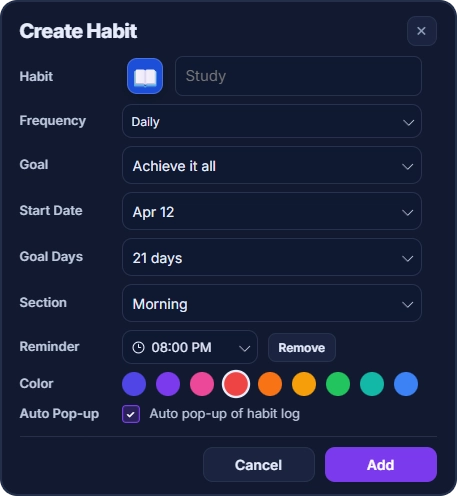
Habit Tracker
Build and maintain daily habits with visual streak tracking. Log each habit every day and watch your consistency grow over time.
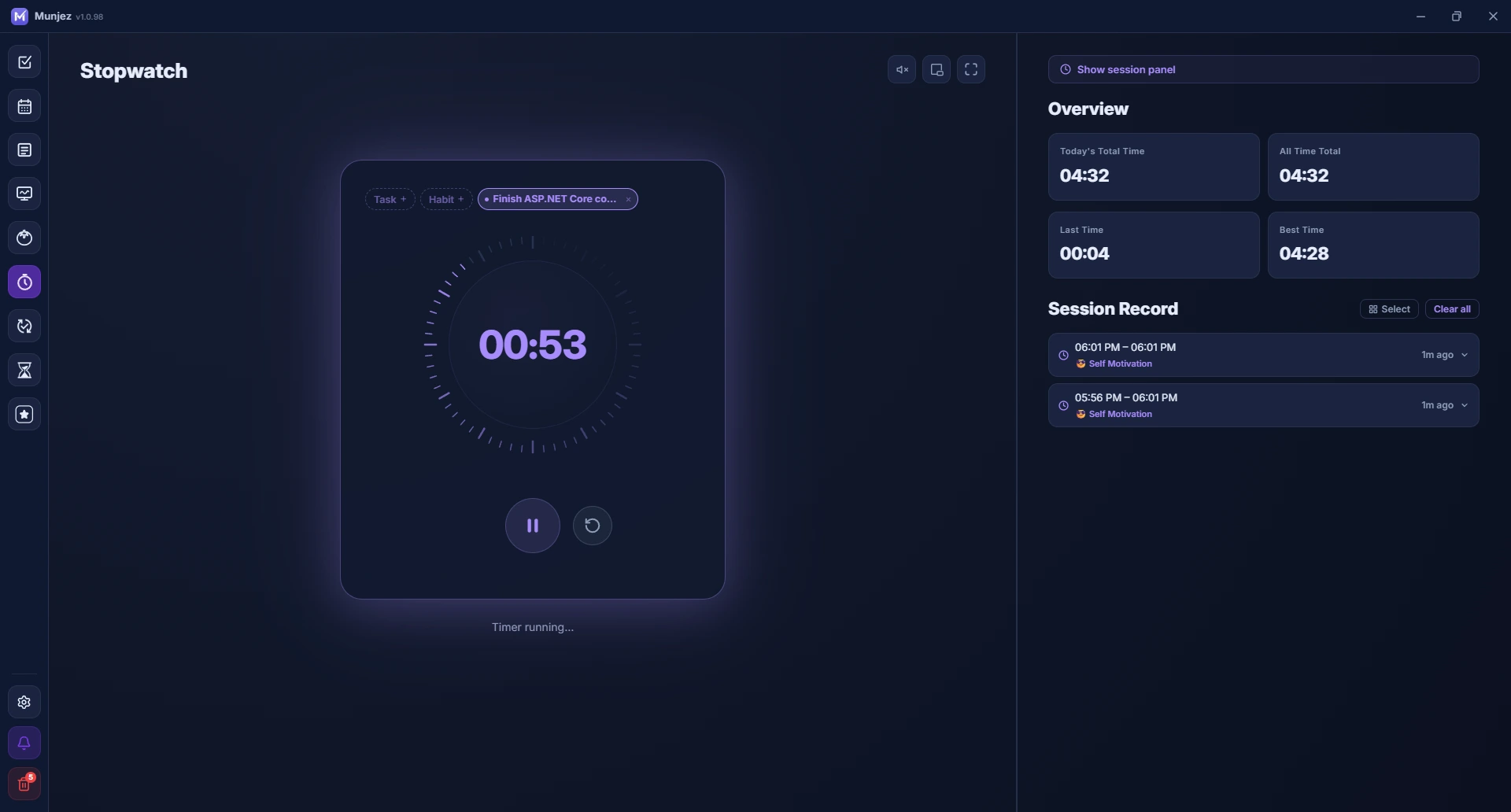
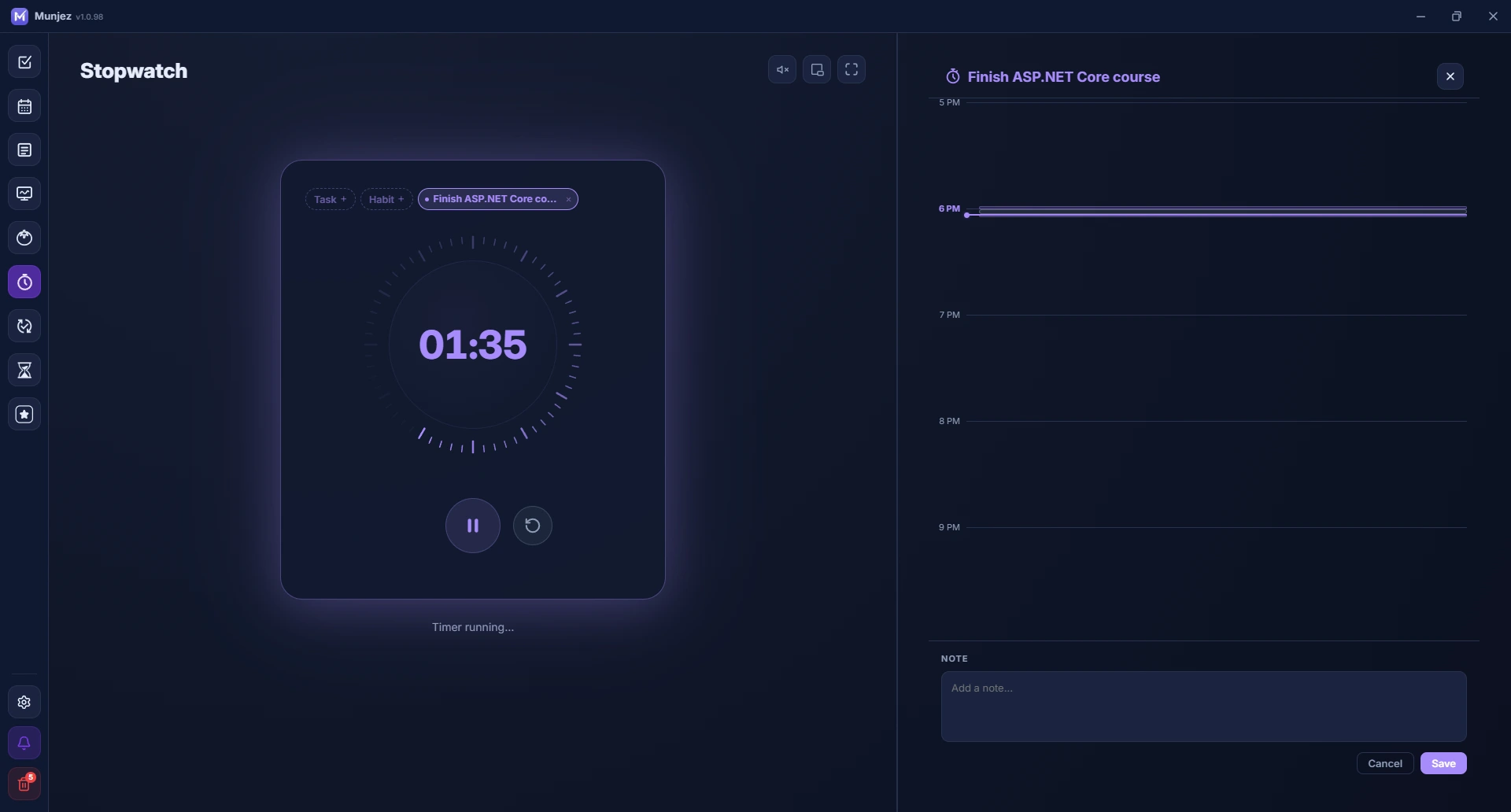
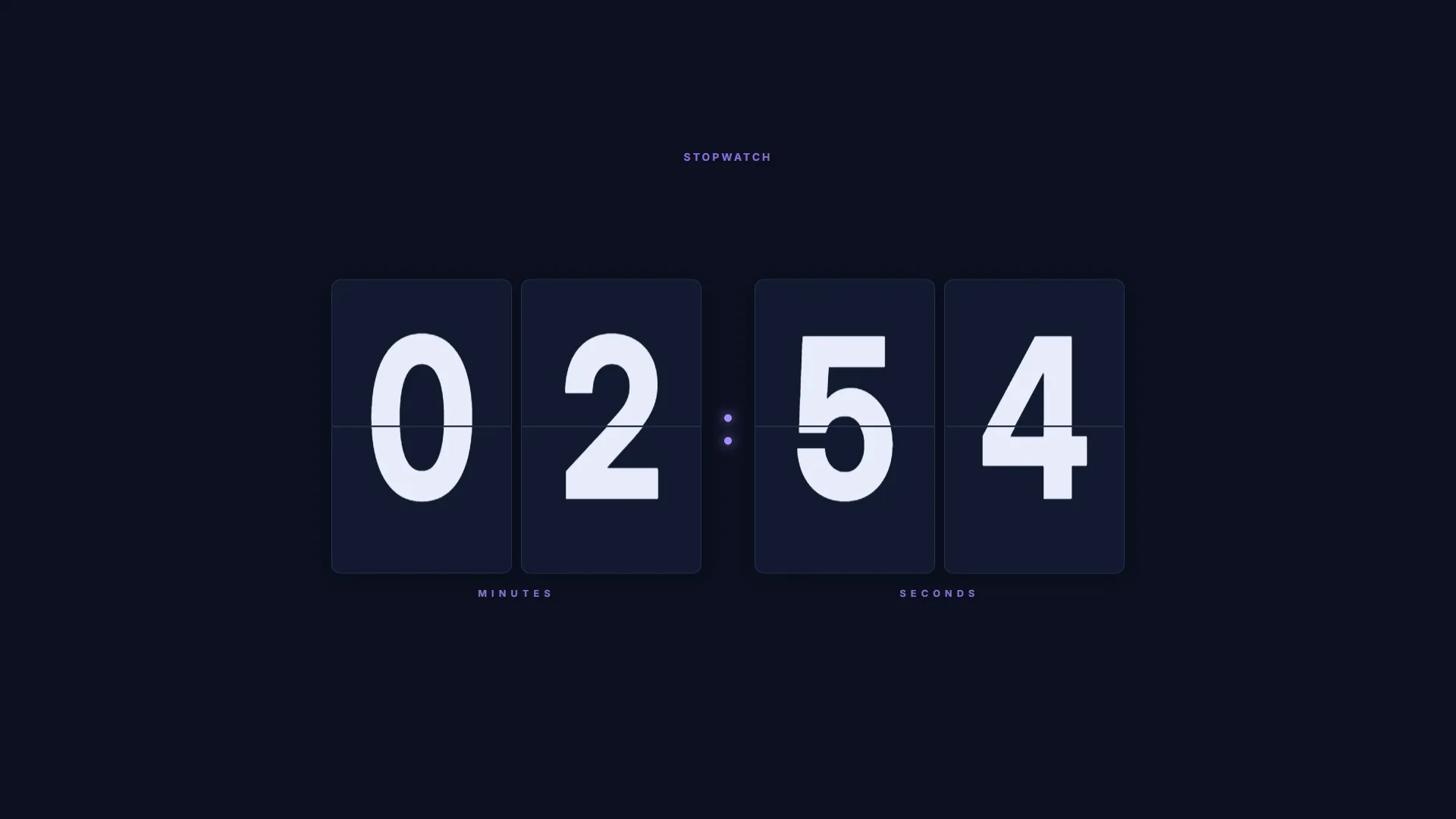
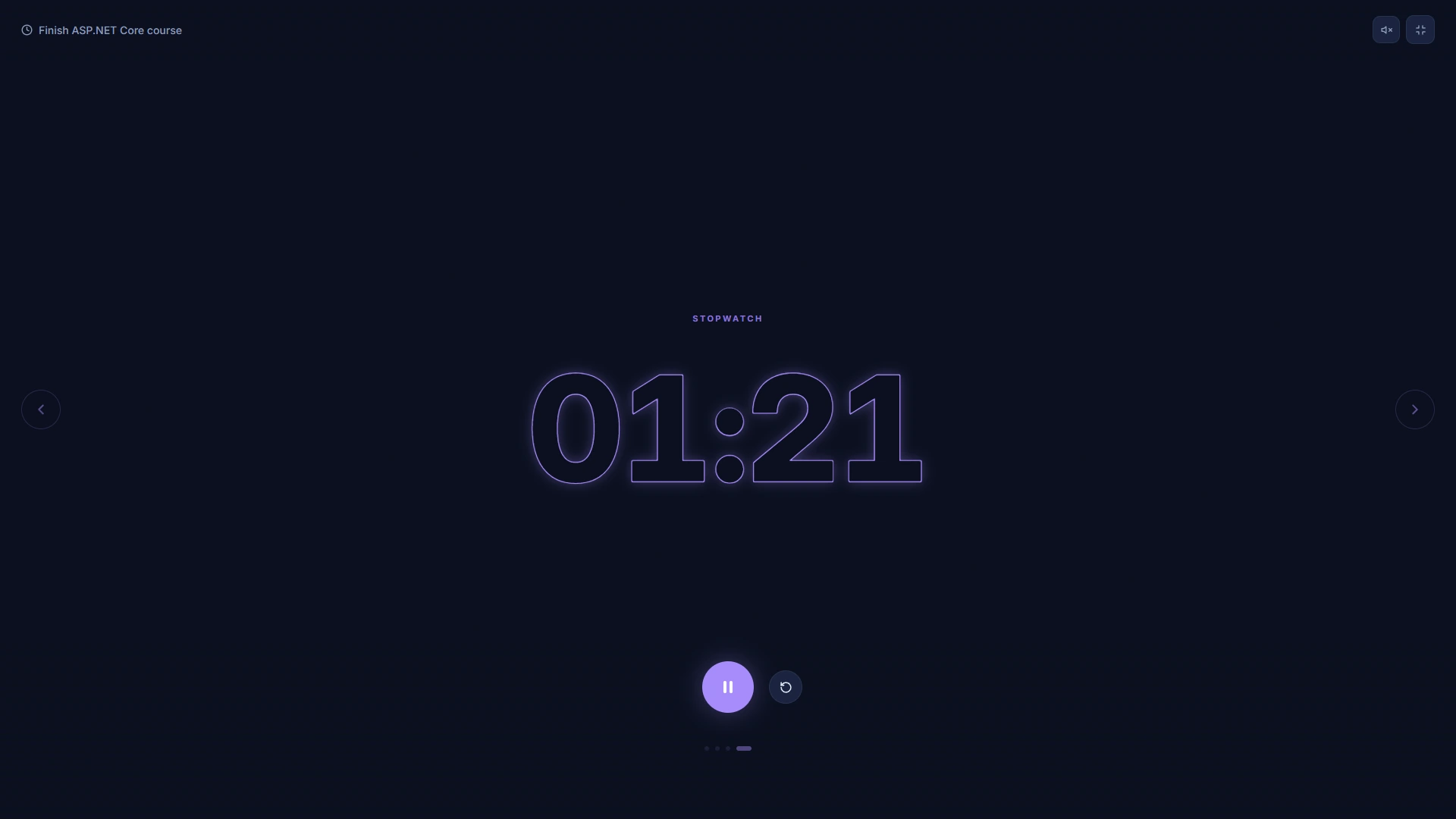
Stopwatch
Time anything with precision. Record laps, track splits, and stay on top of your sessions with a clean, distraction-free interface.
White Noise & Sounds
Block out distractions with a library of ambient sounds. Mix rain, café, nature, and more to create your perfect focus environment.
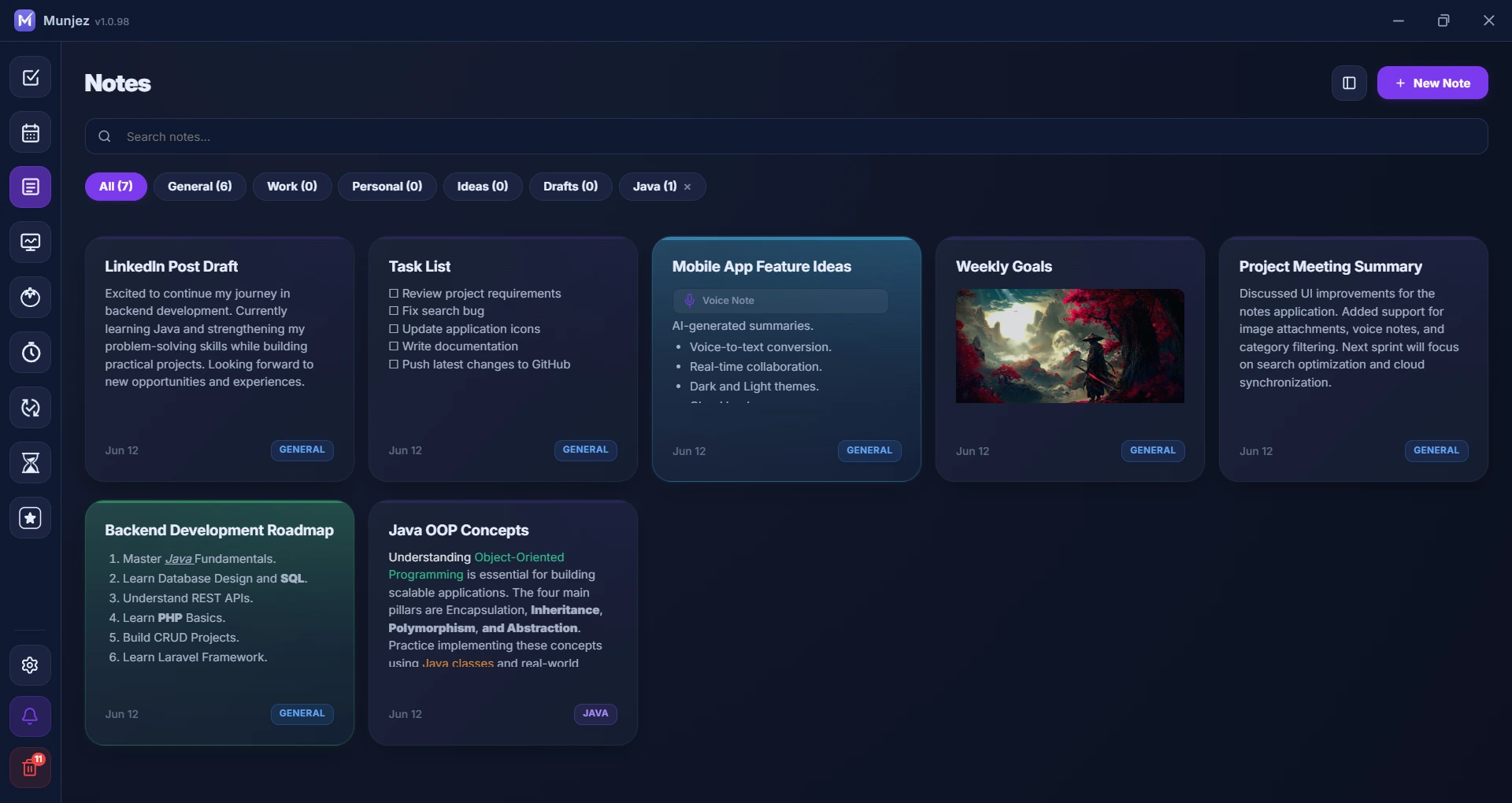
Notes
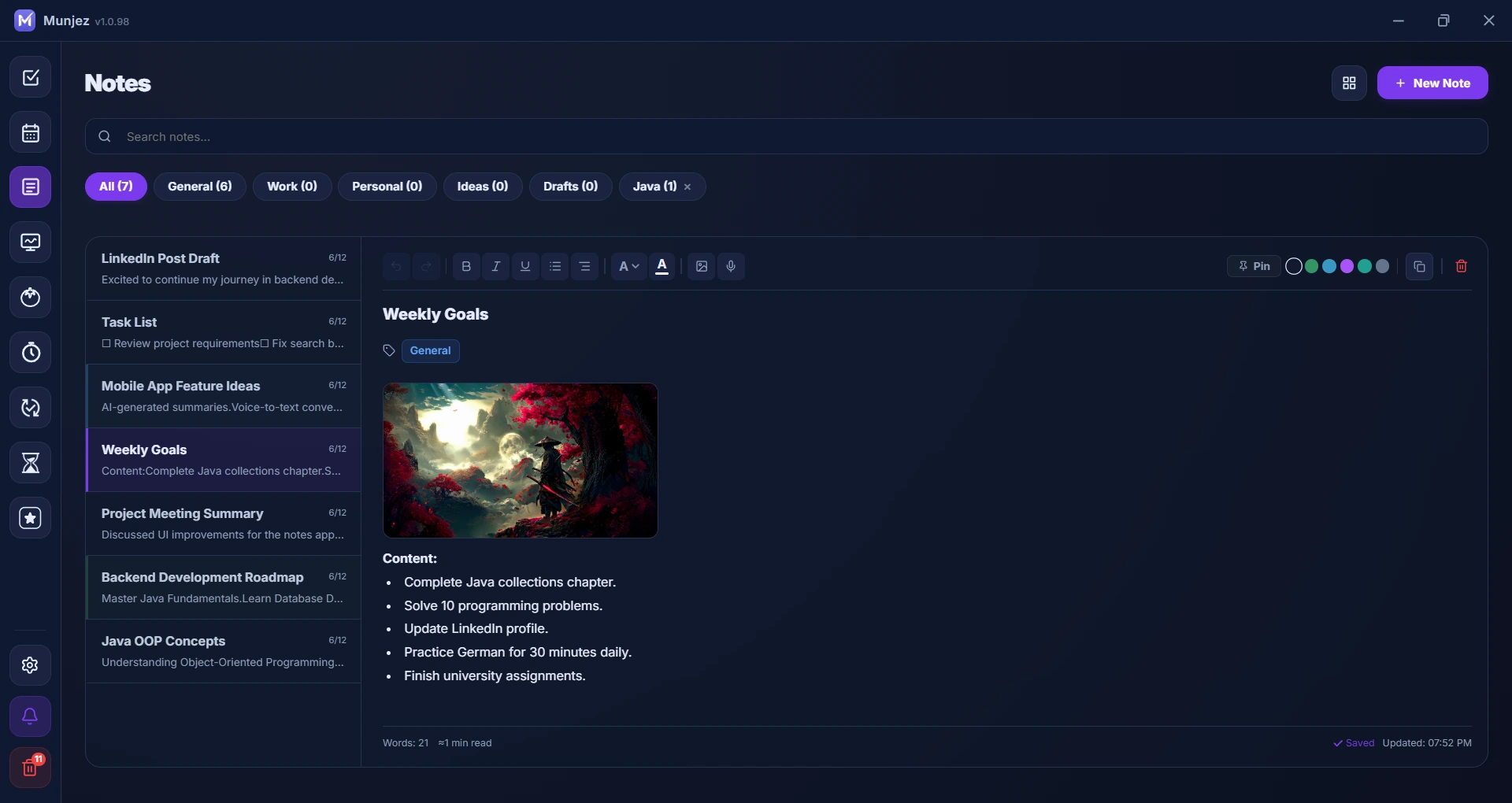
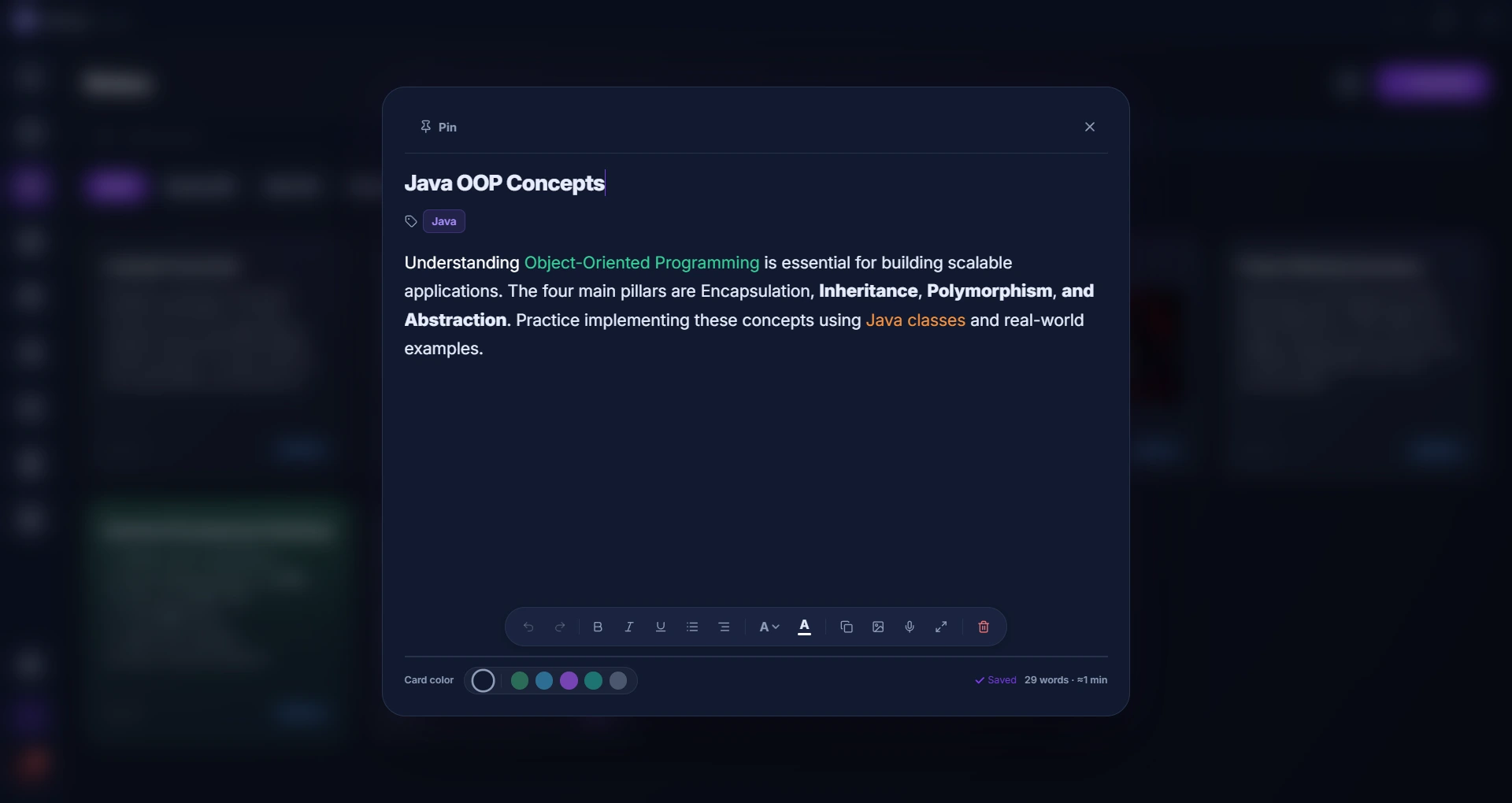
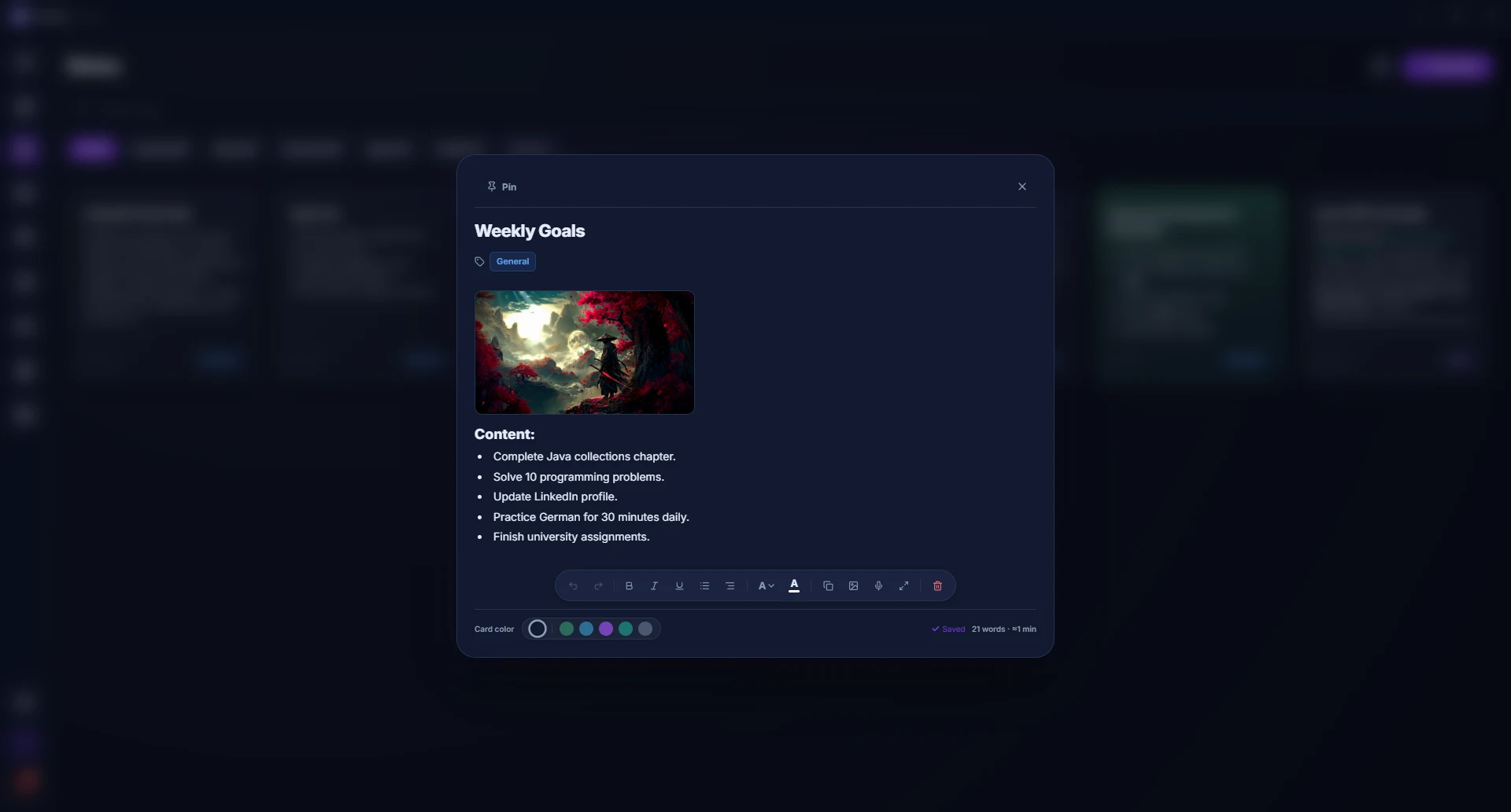
A rich text editor for your thoughts. Organize notes in grid, list, or split view with images, voice recordings, and color-coded cards.
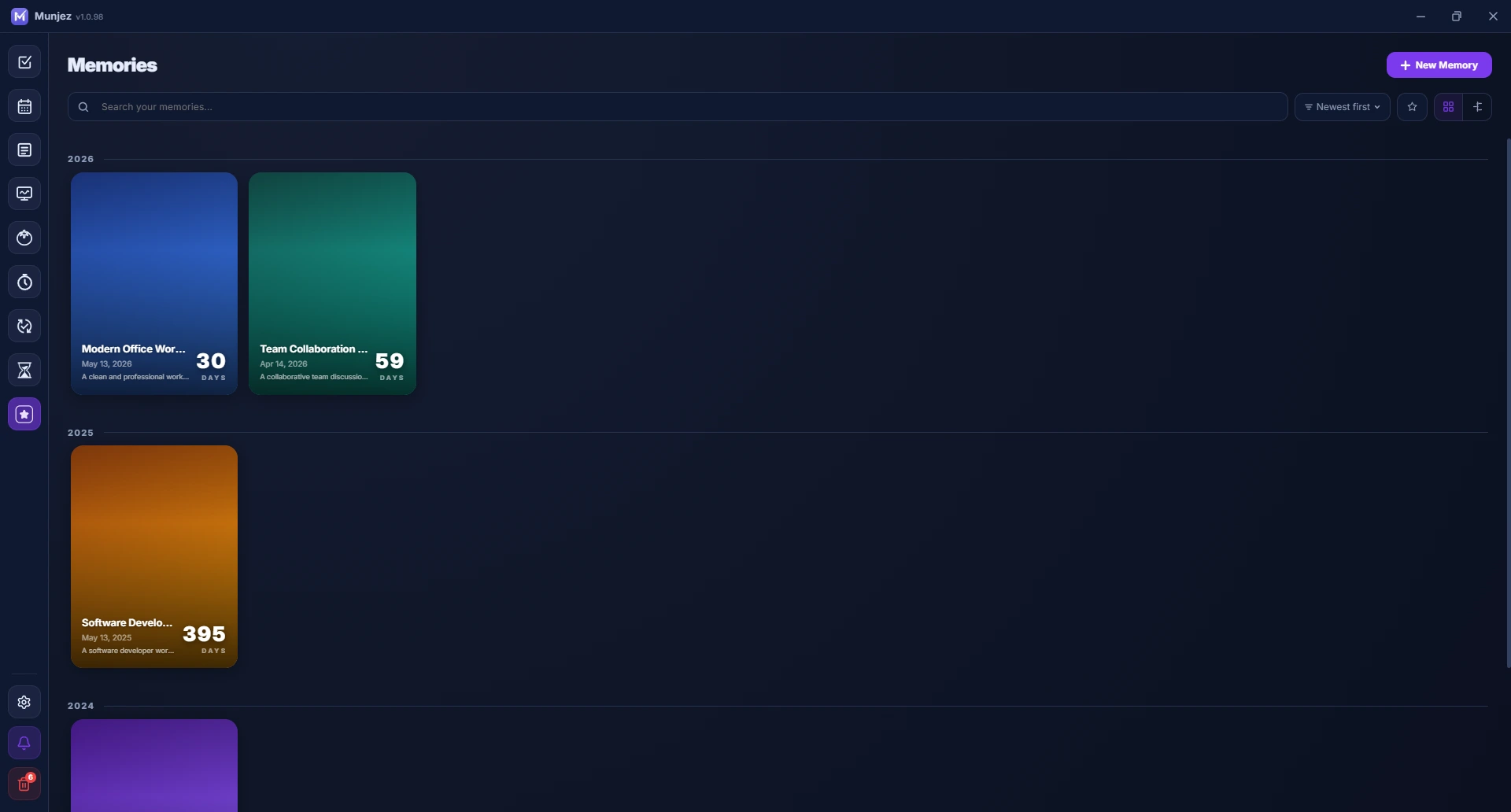
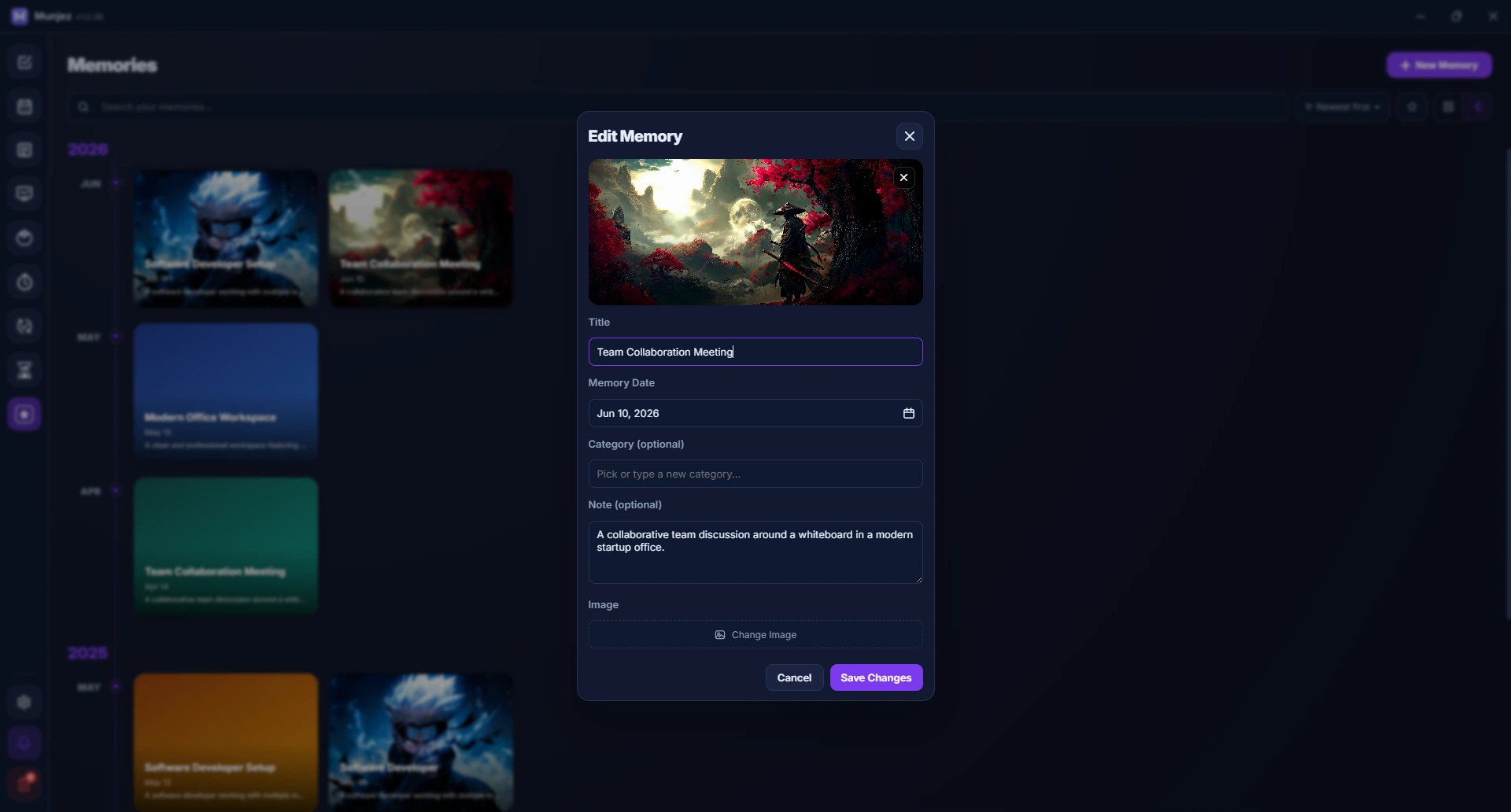
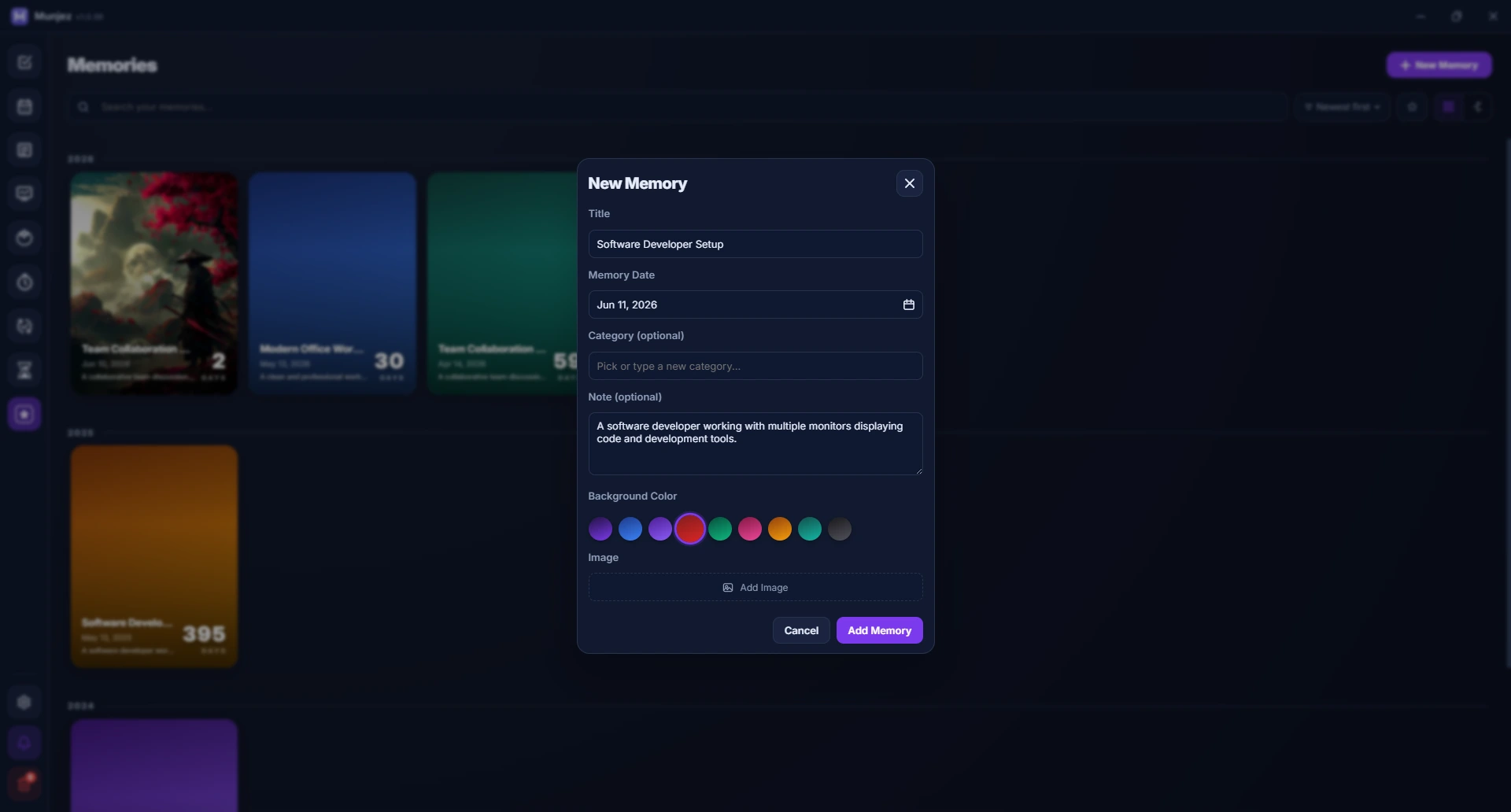
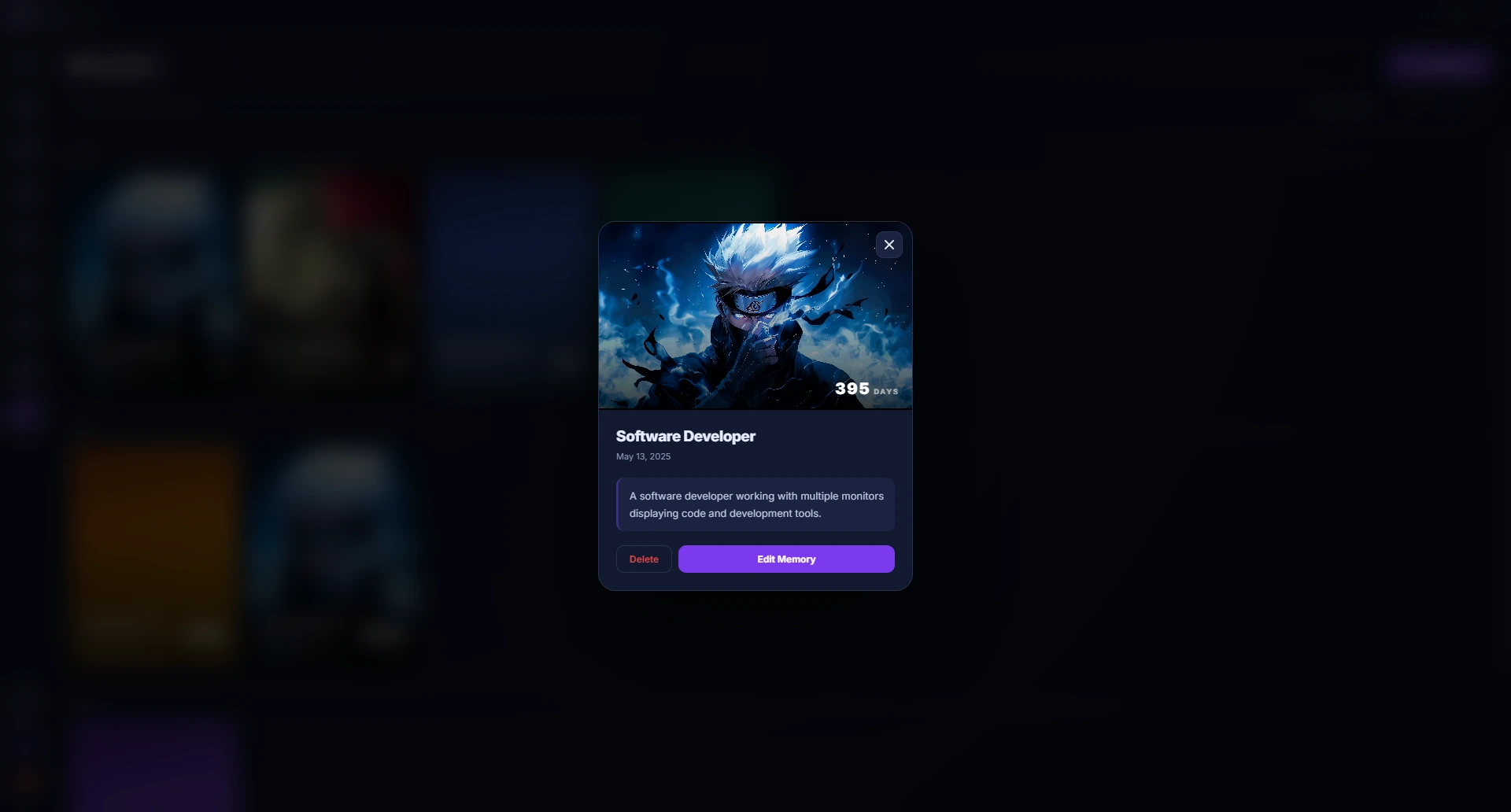
Memories & Journal
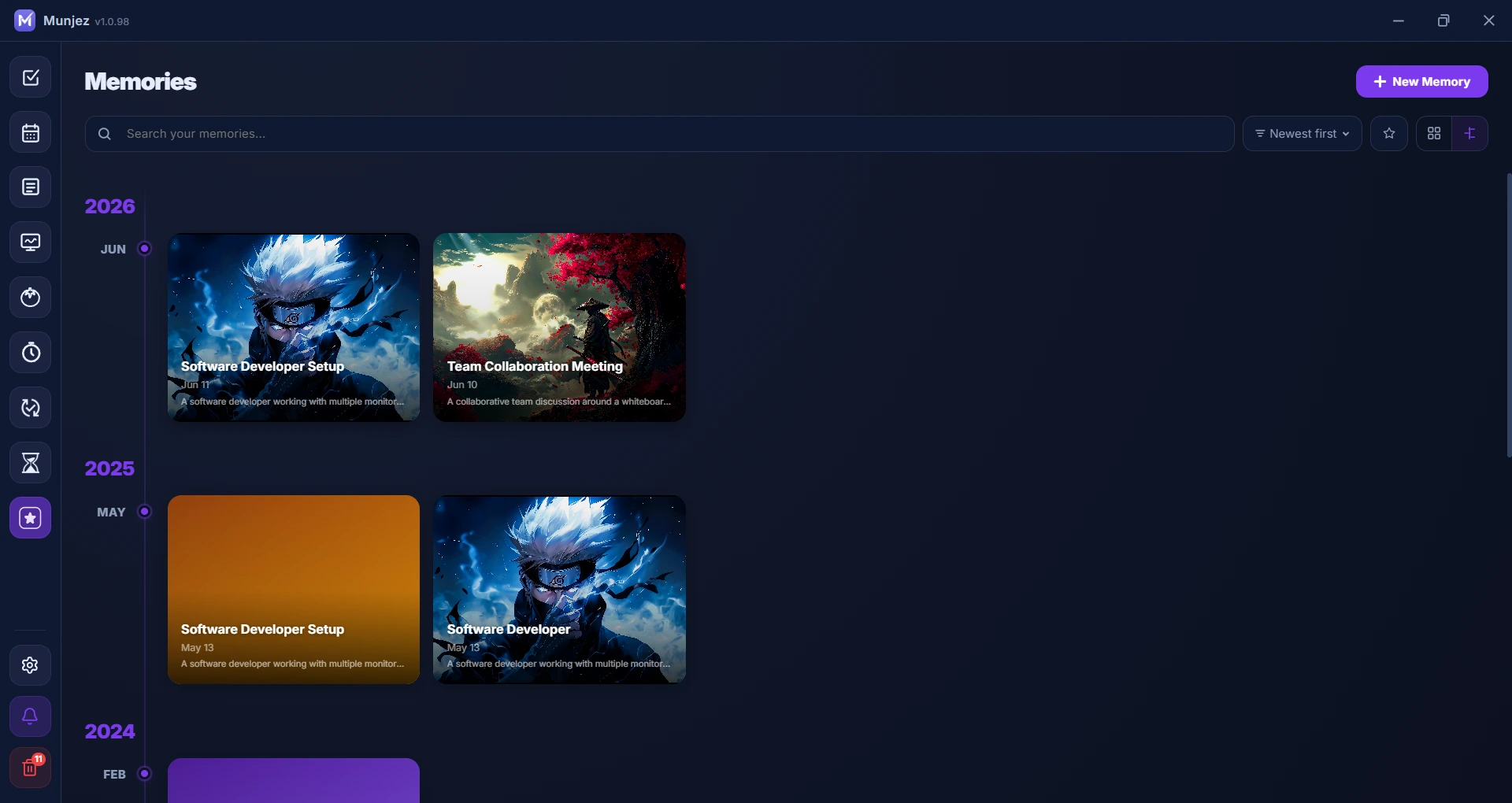
Capture life moments with photo-based journaling. Tag, search, and revisit your memories organized by date with time elapsed tracking.
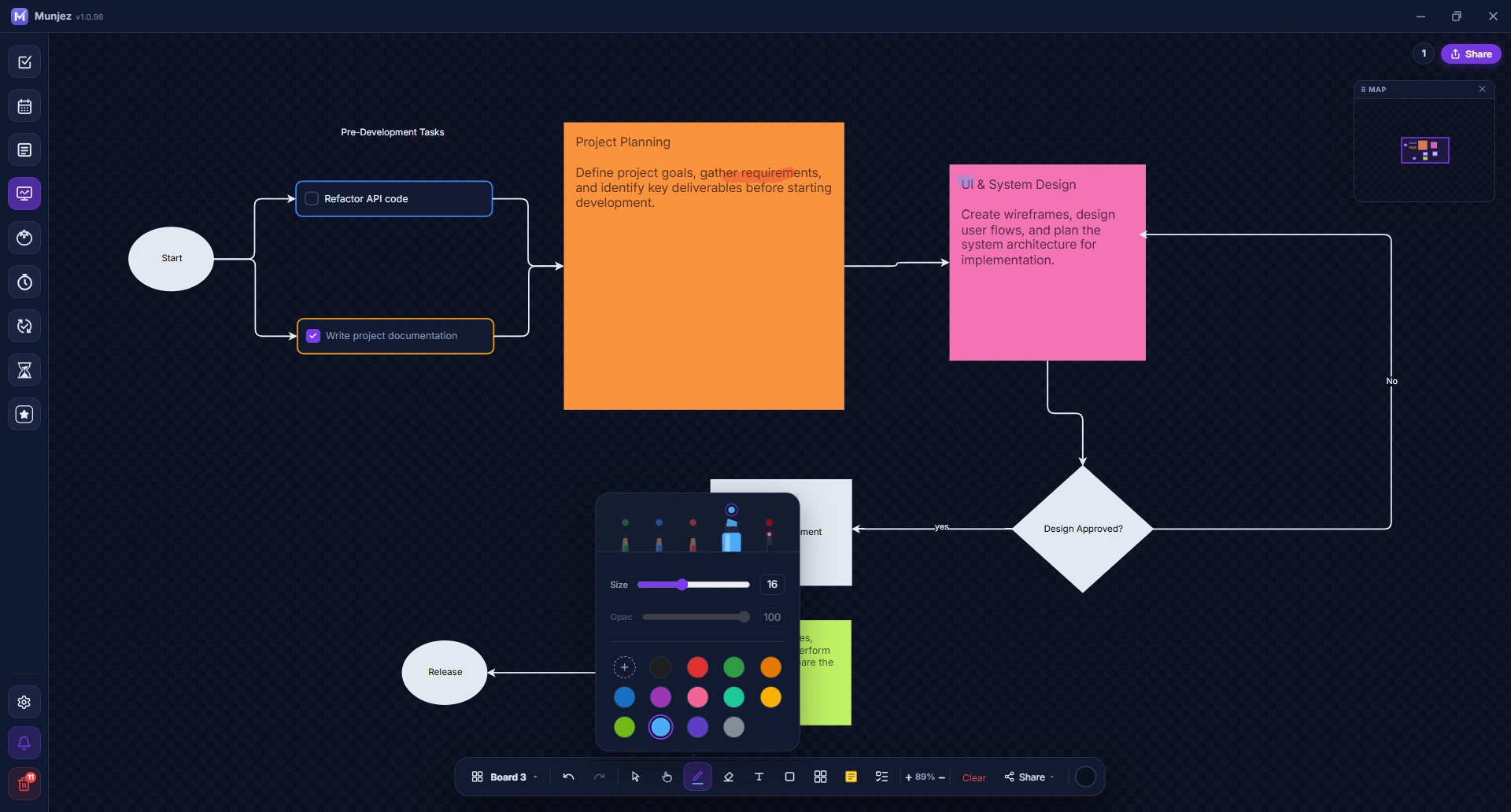
Whiteboard
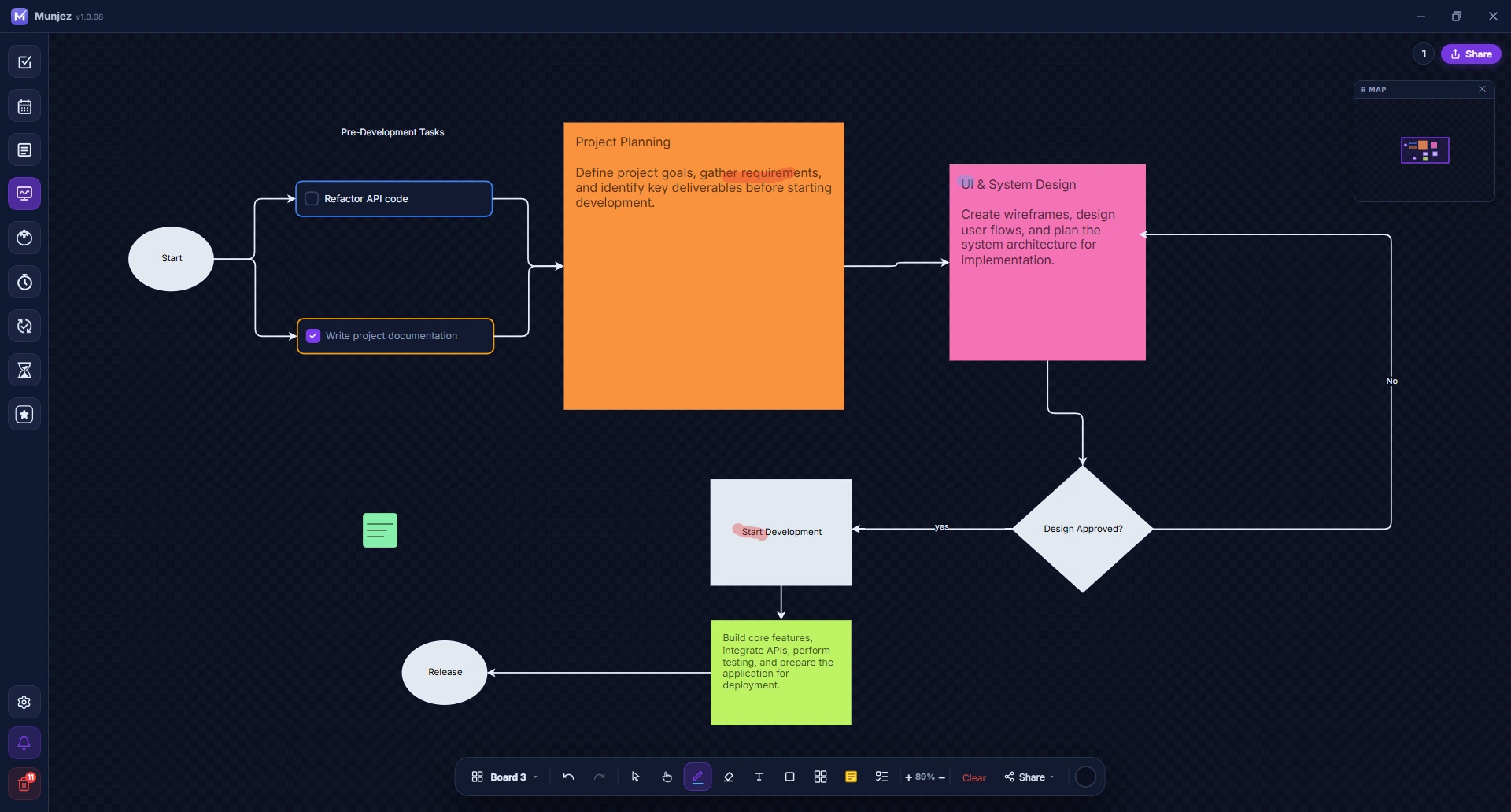
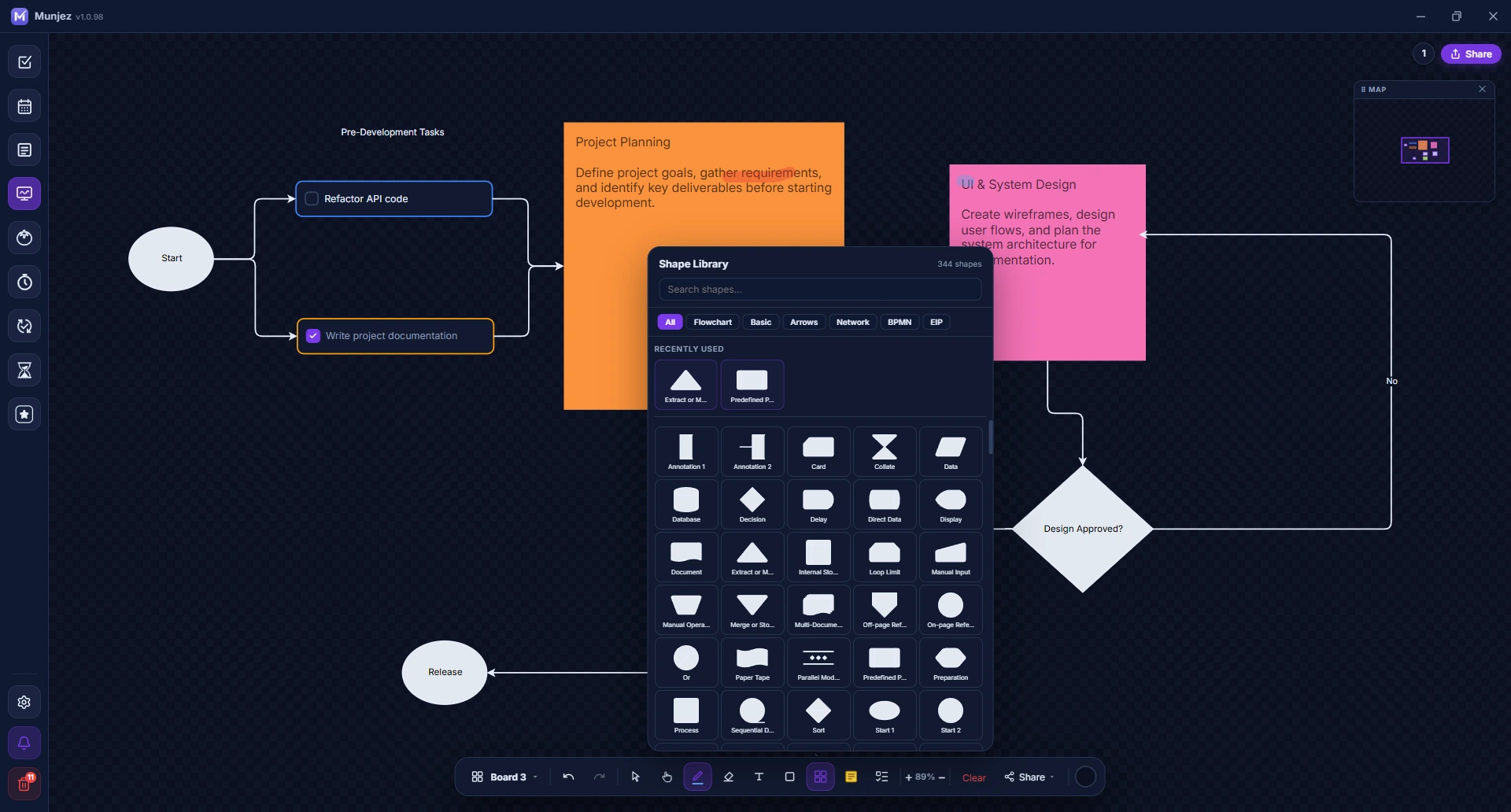
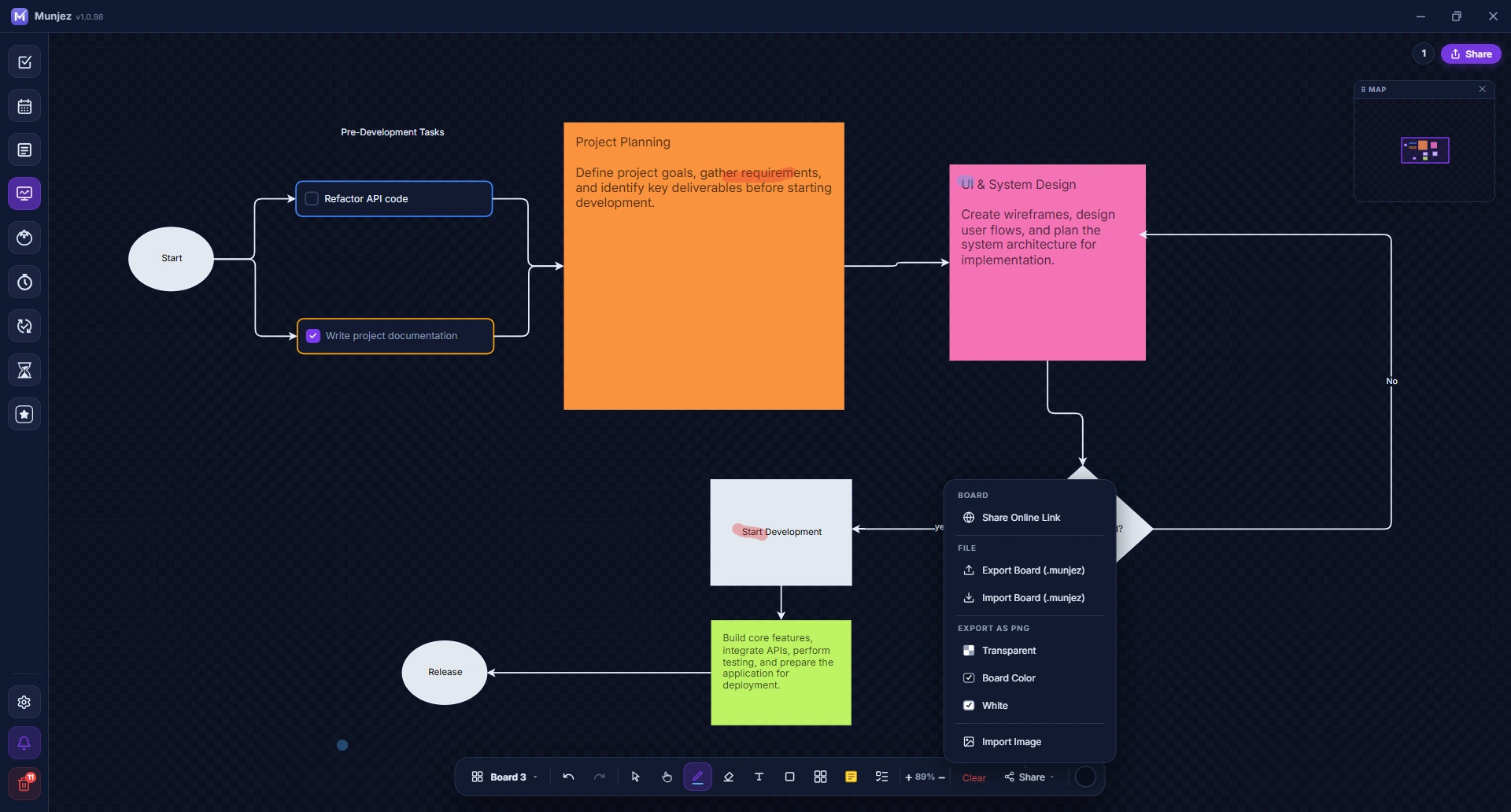
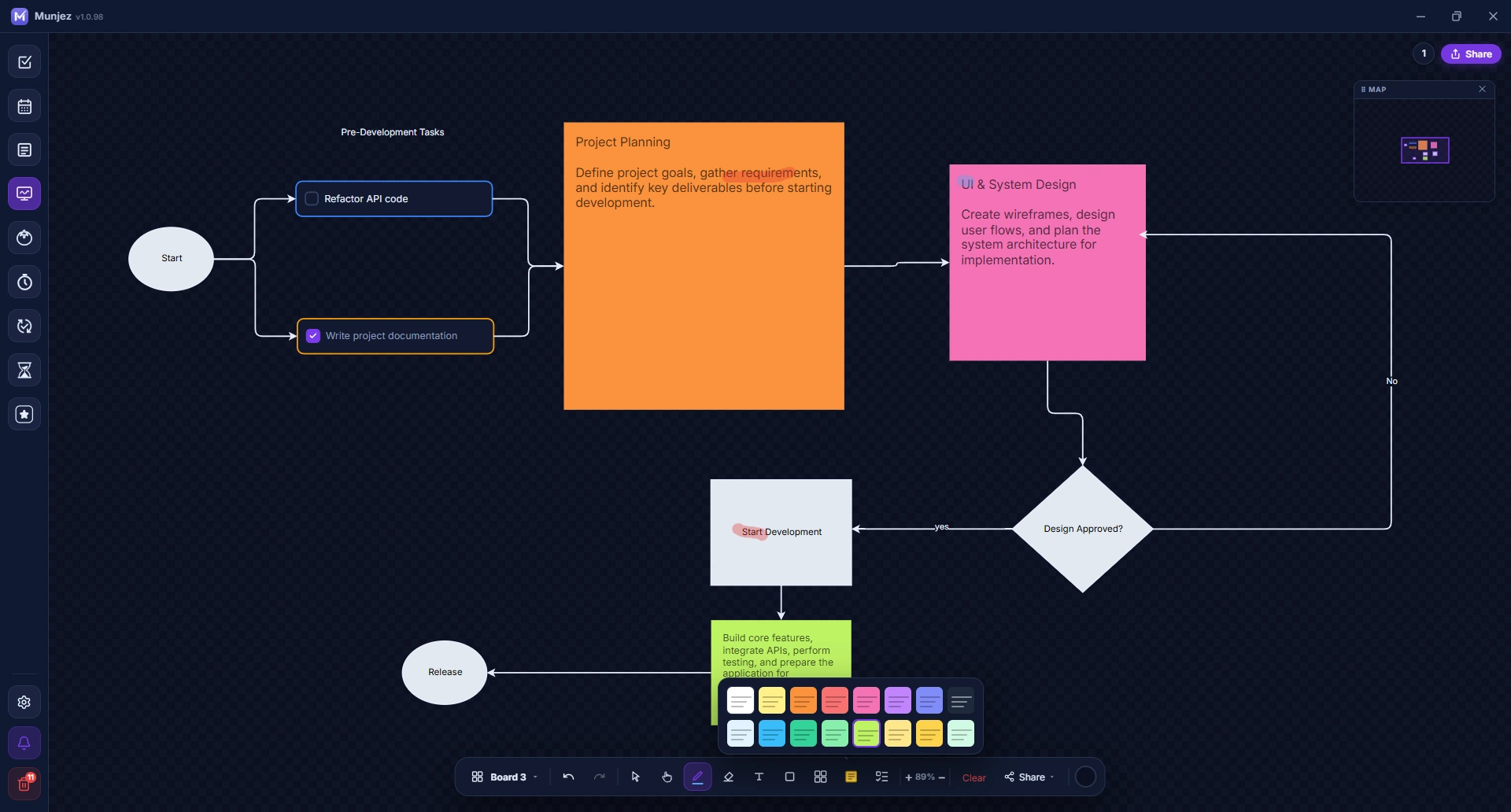
Draw, diagram, and brainstorm on an infinite canvas. Collaborate in real-time with others through live multi-user editing.
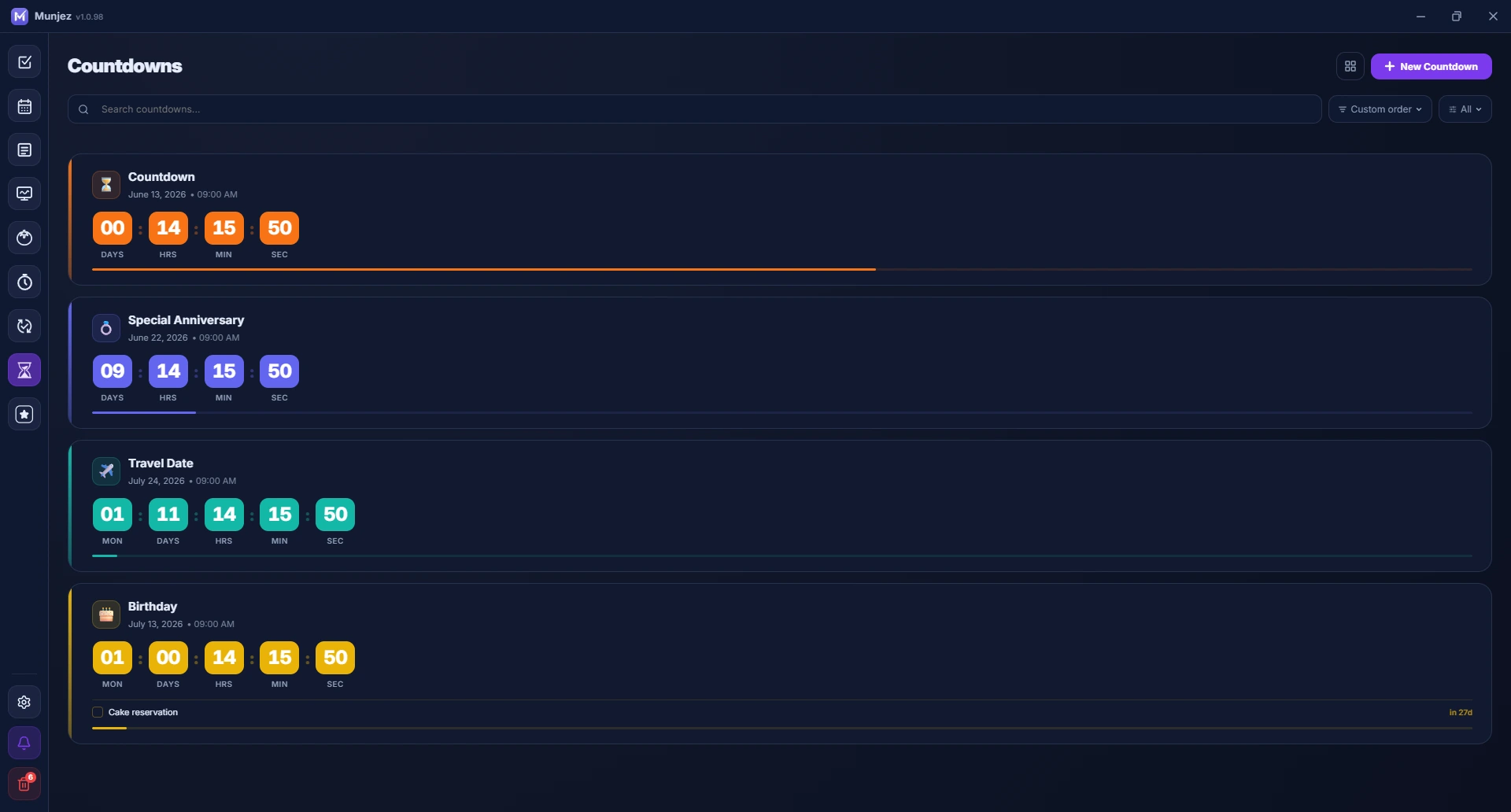
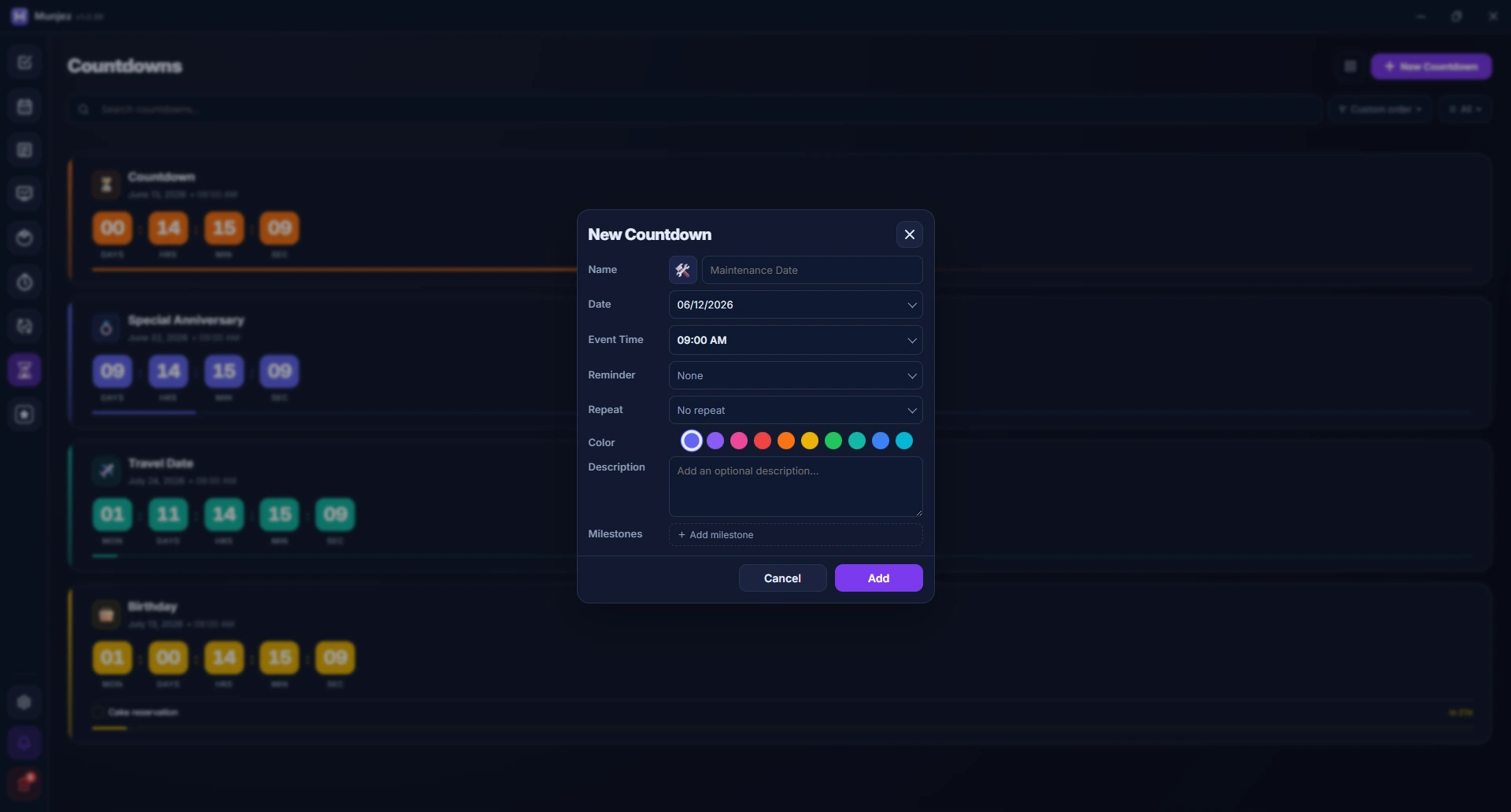
Countdown Timer
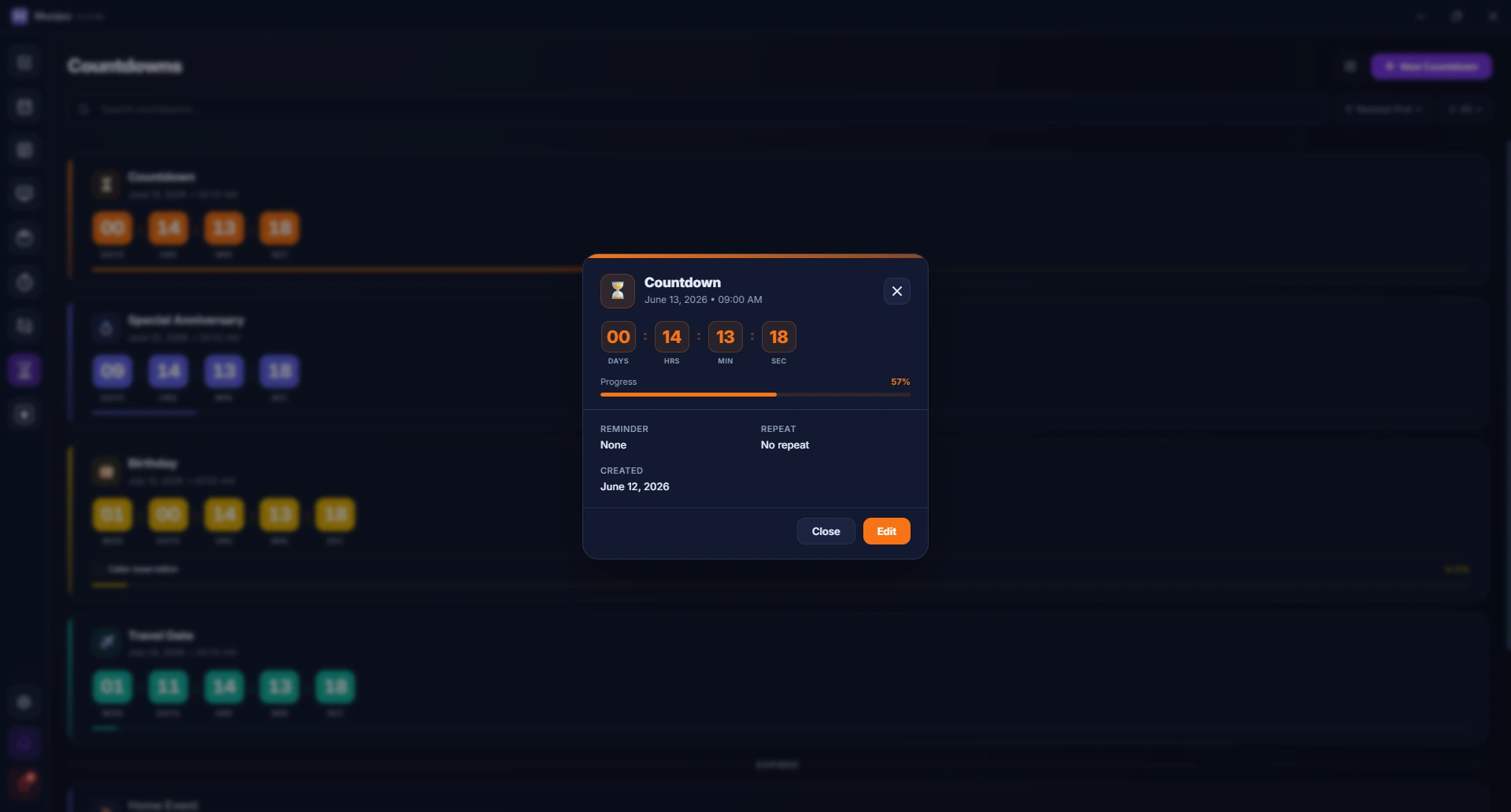
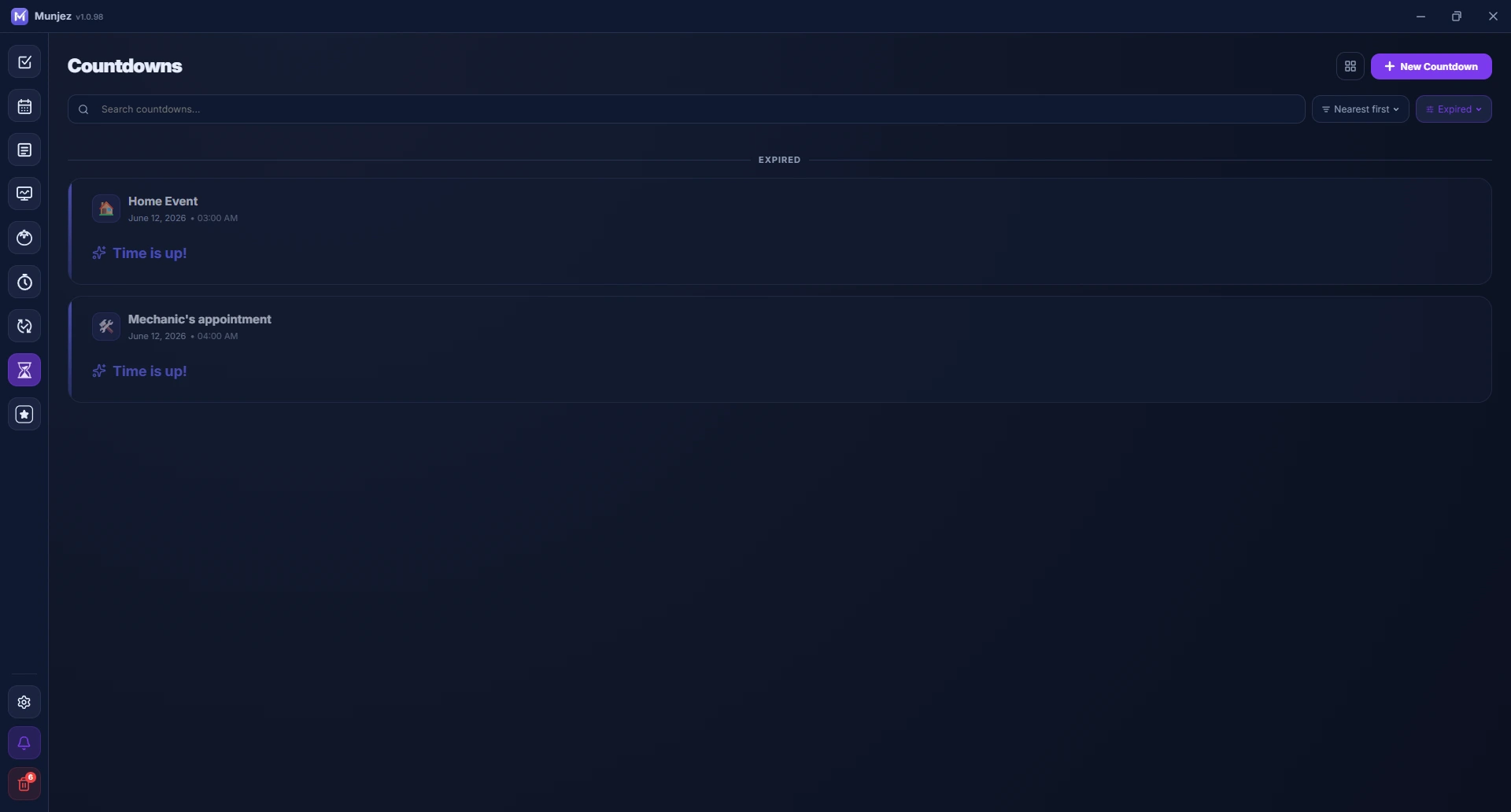
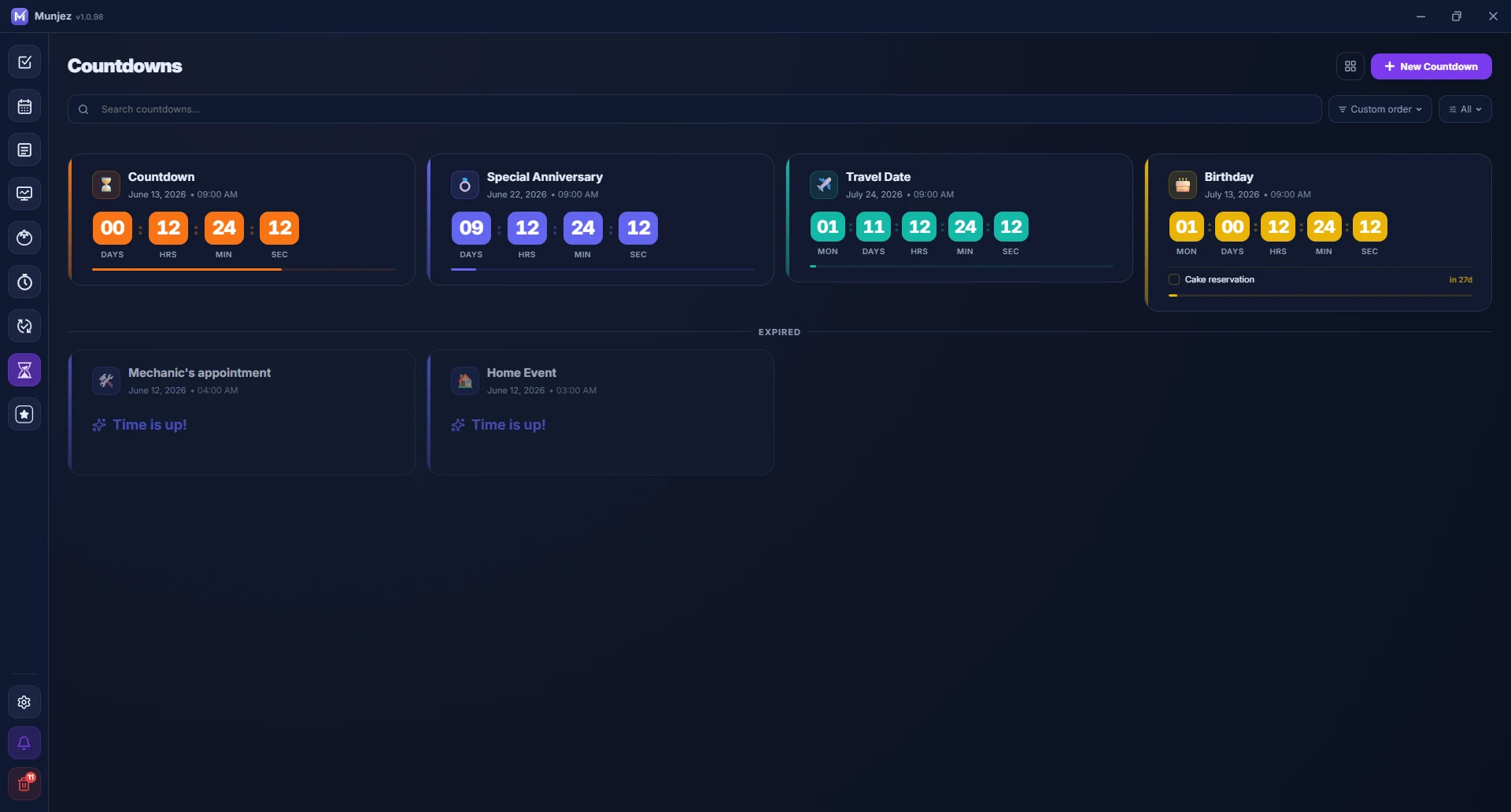
Set countdowns for deadlines, events, or goals. Manage multiple timers at once with visual progress cards and audio alerts.
Cloud Sync
Sign in with Google or email to sync your data across devices via Firebase. Your tasks, habits, notes, and more stay in sync — securely and in real time.
Desktop Widgets
Pin floating widgets on your desktop — focus timer, tasks, habits, calendar, countdowns, and more. Always visible, always on top.
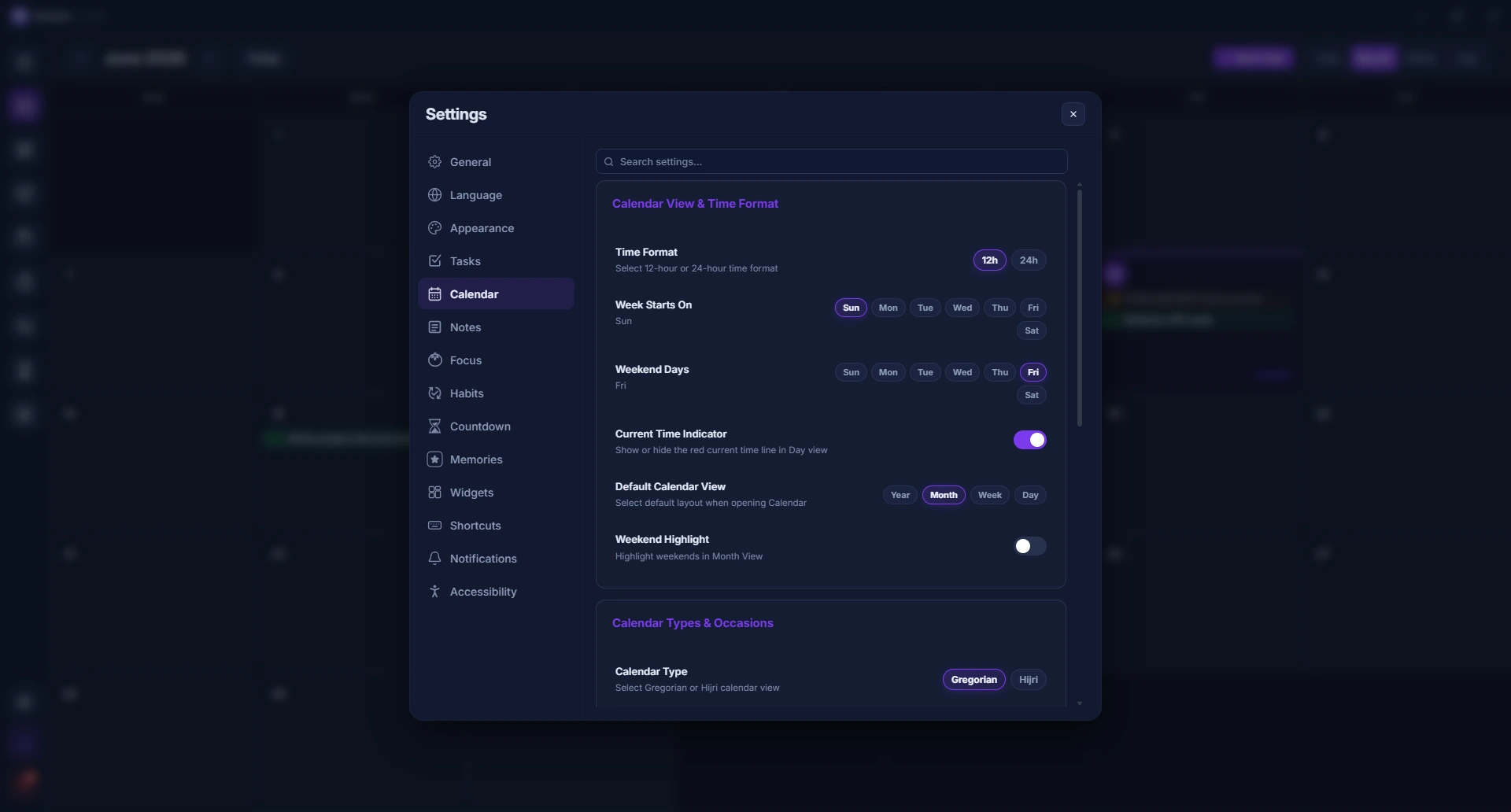
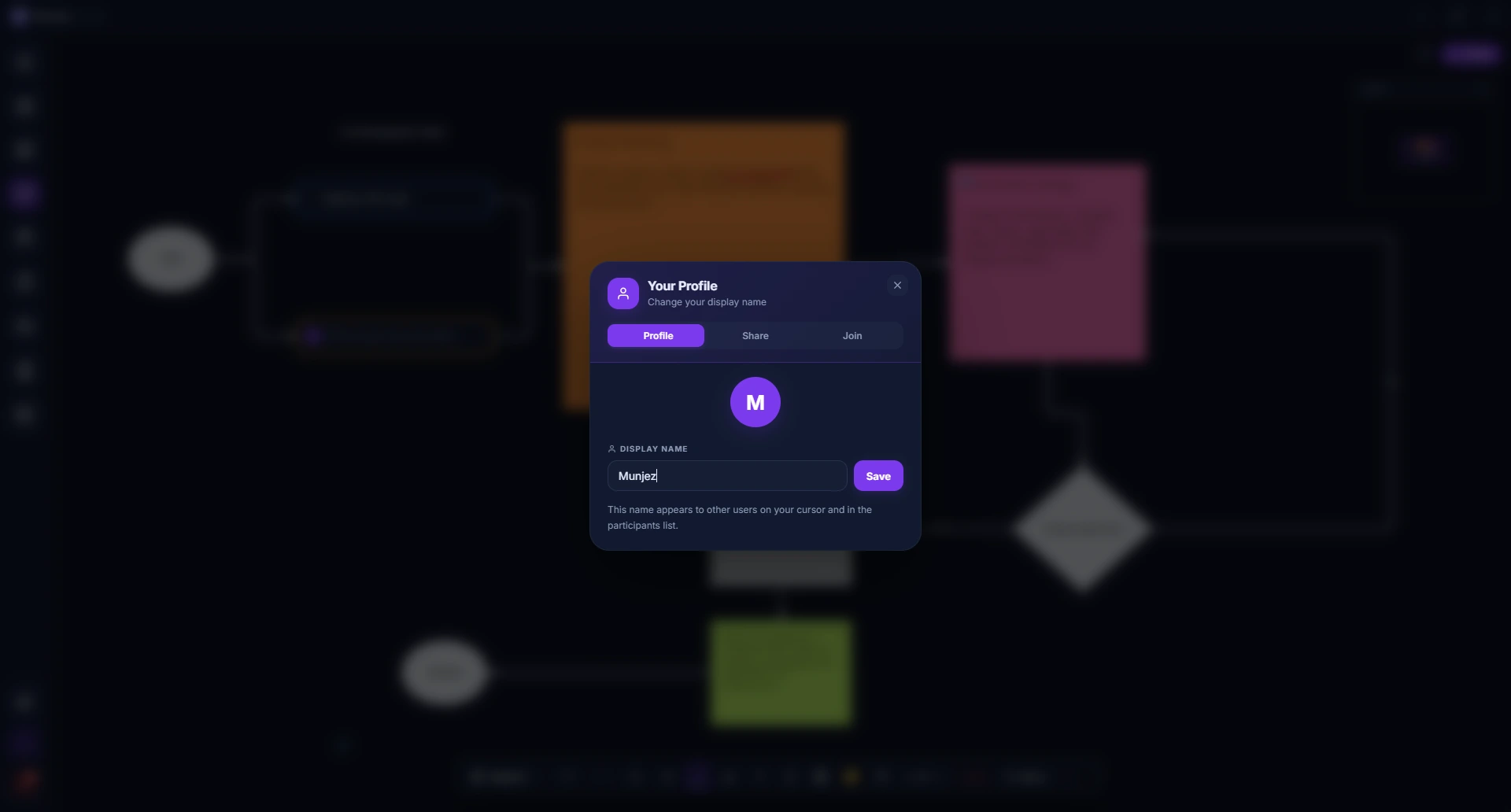
See it in action
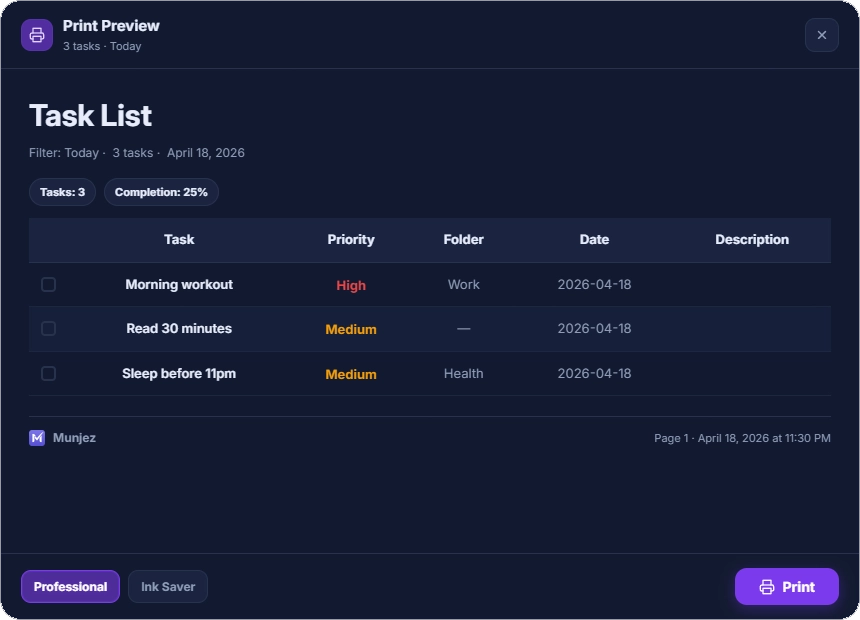
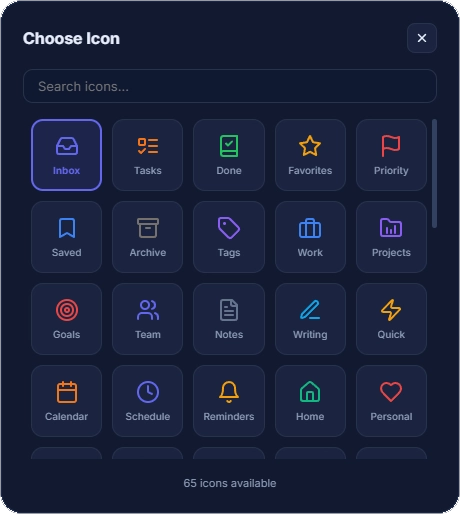
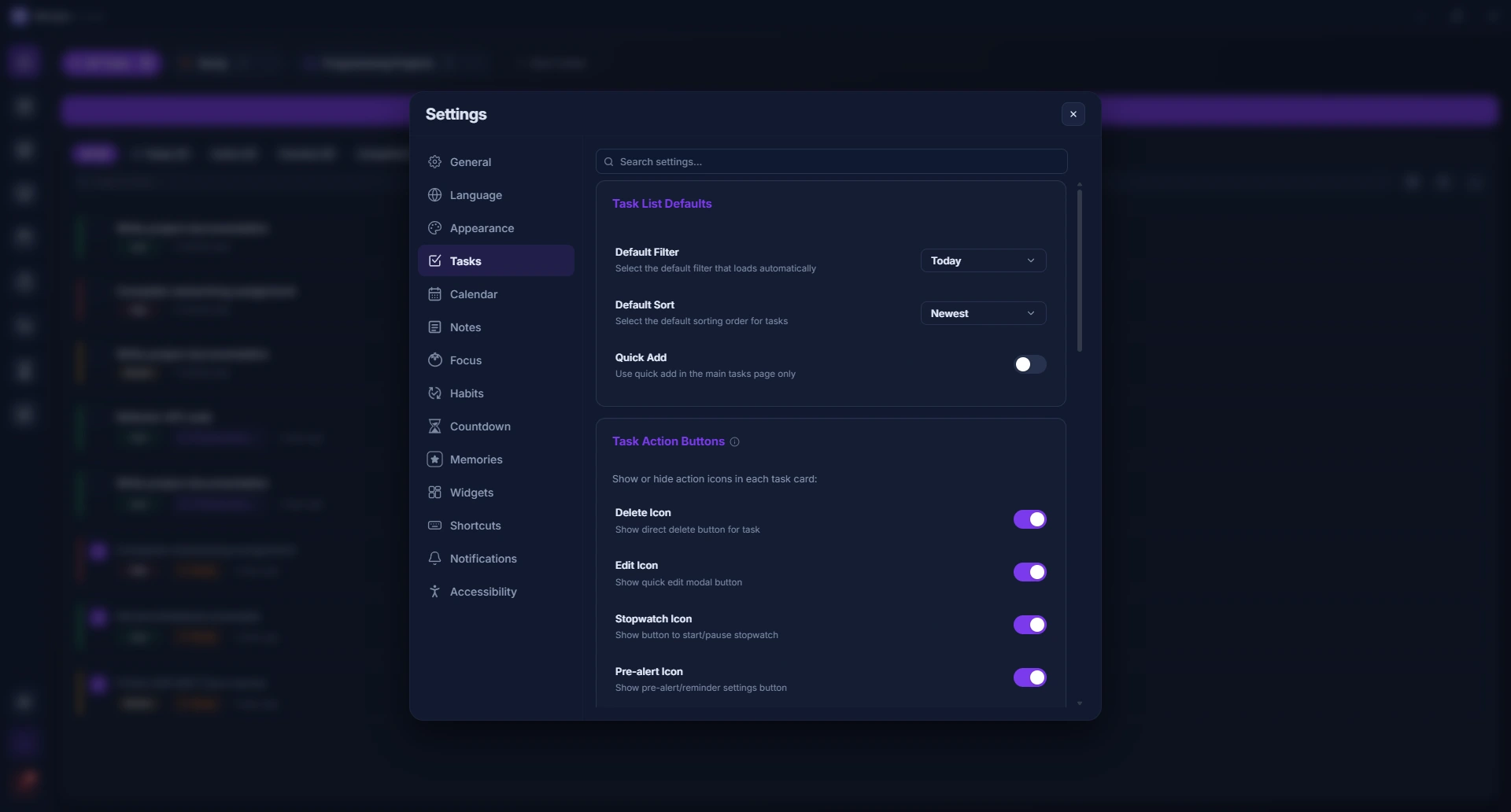
Explore every feature through real screenshots of the app.
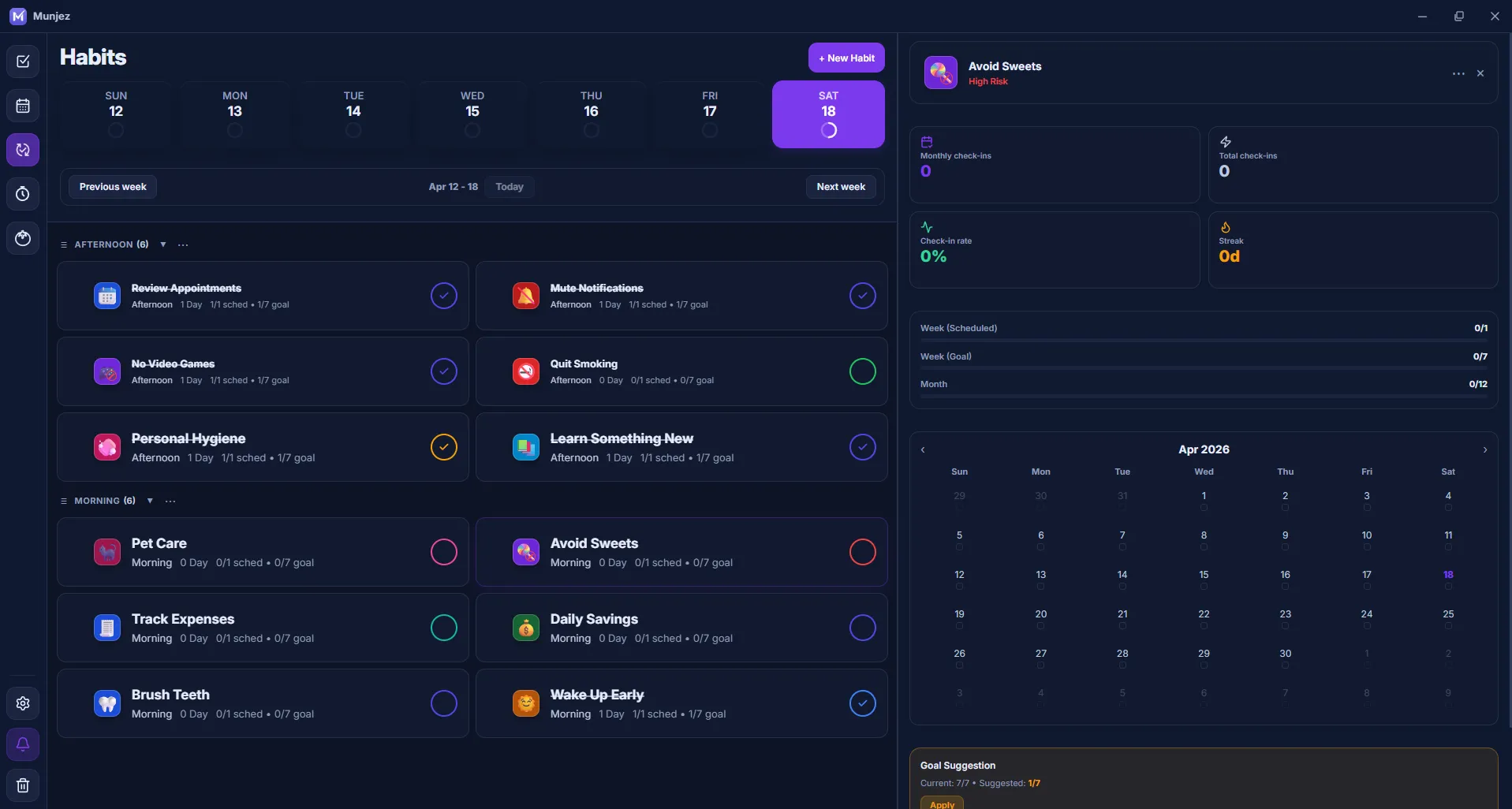
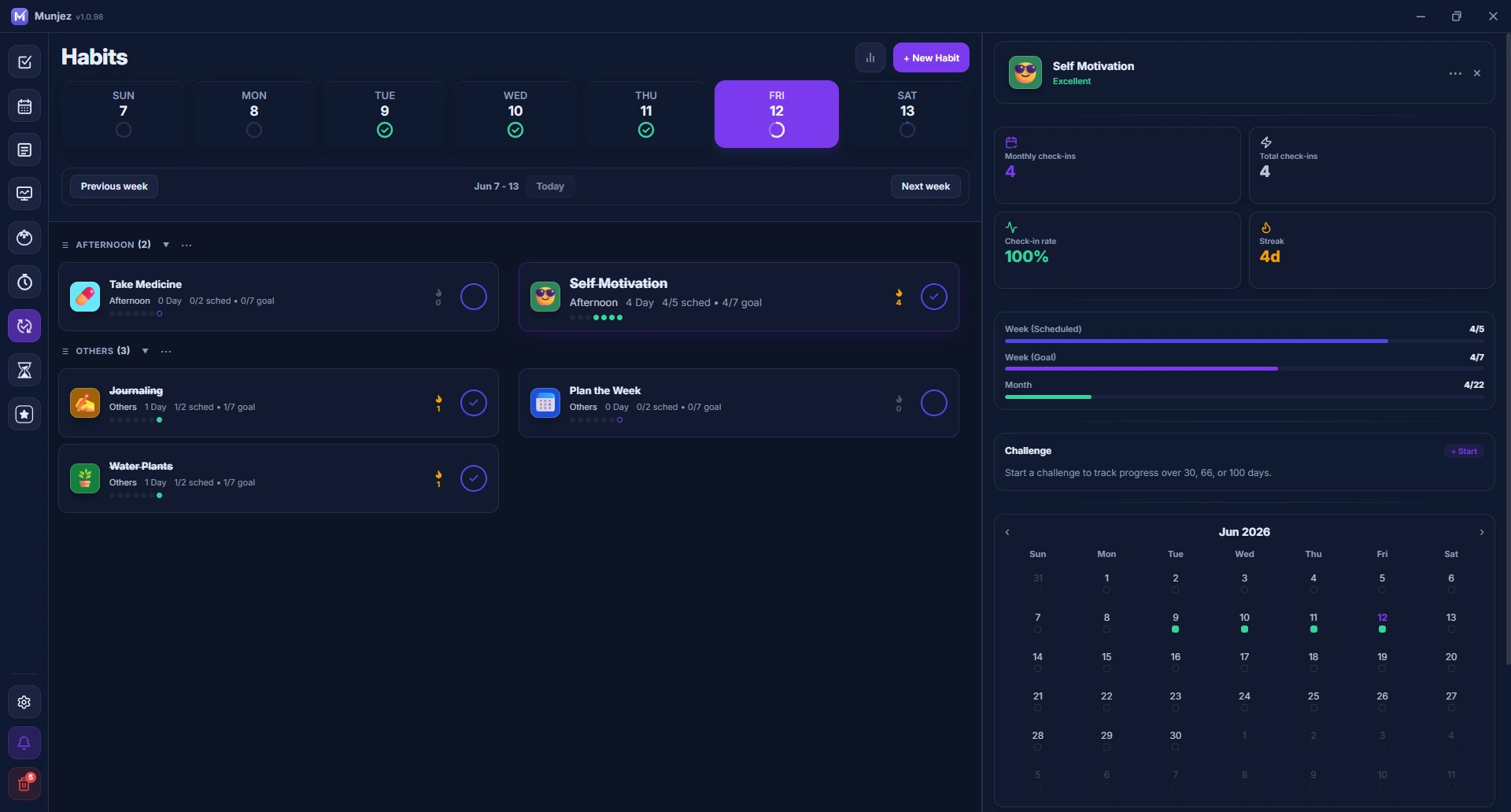
Every phase has
its own energy
Color-coded Pomodoro sessions that put you in the right mindset for every moment of your work day.
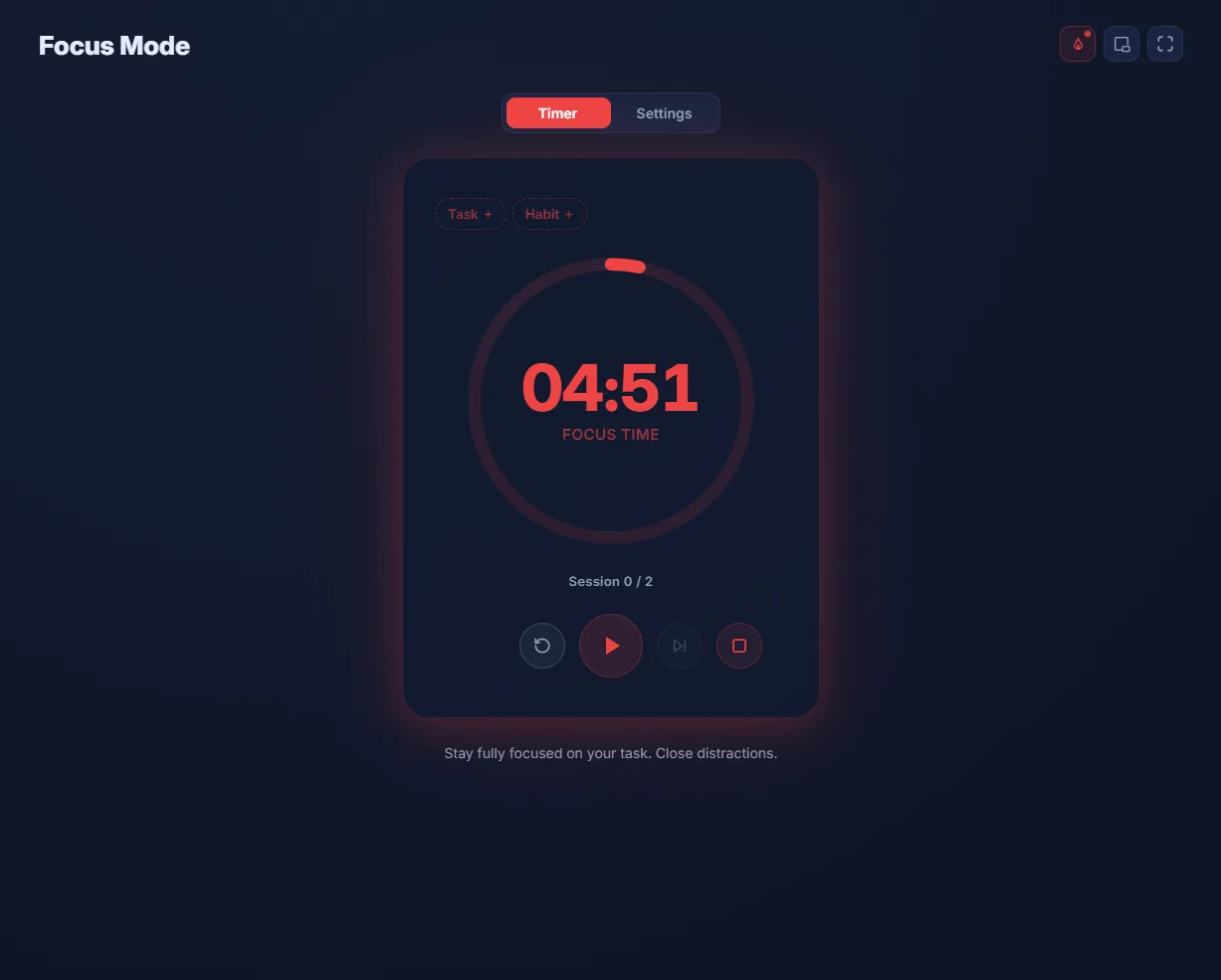
Focus Time
Deep work mode — stay locked in
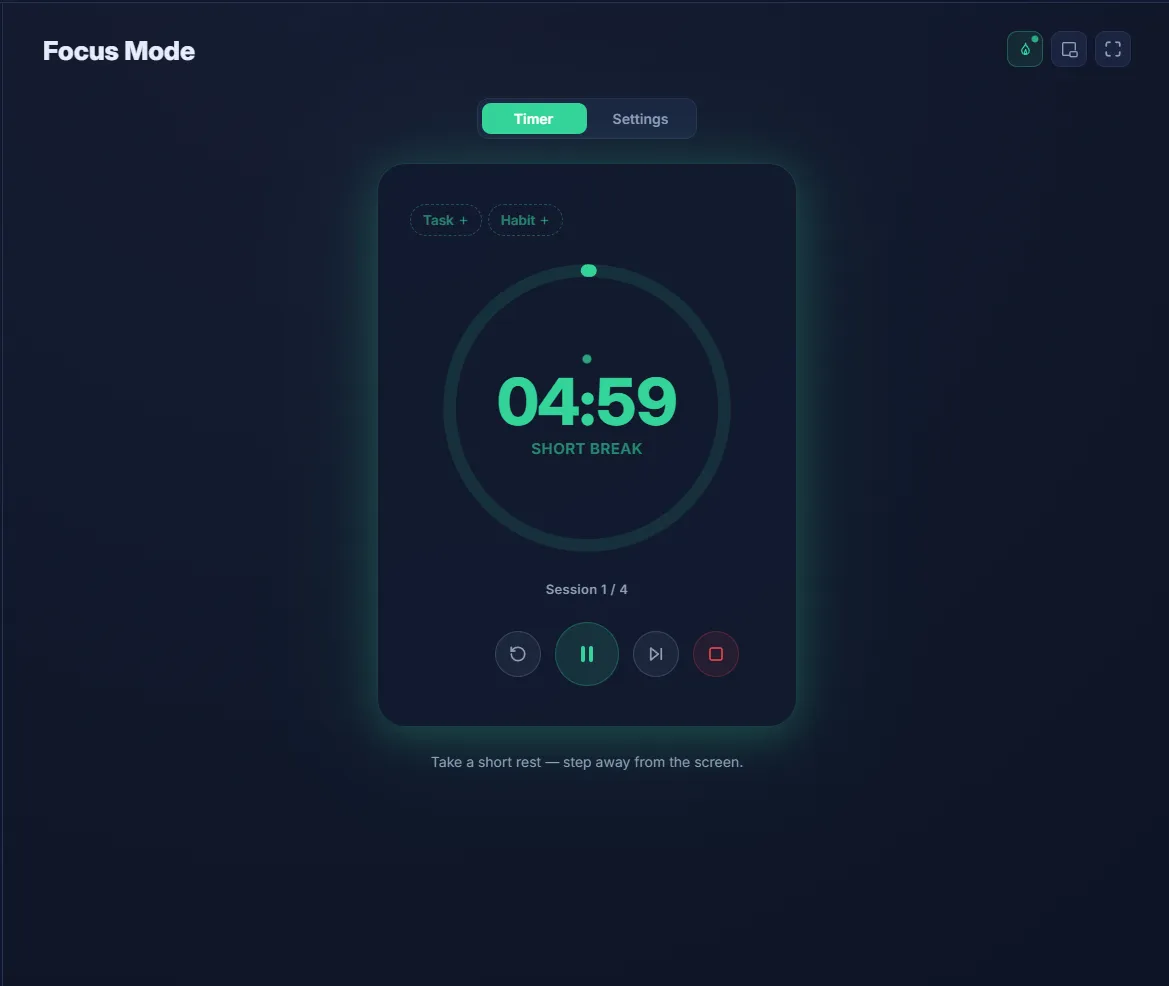
Short Break
Quick reset — step away from the screen
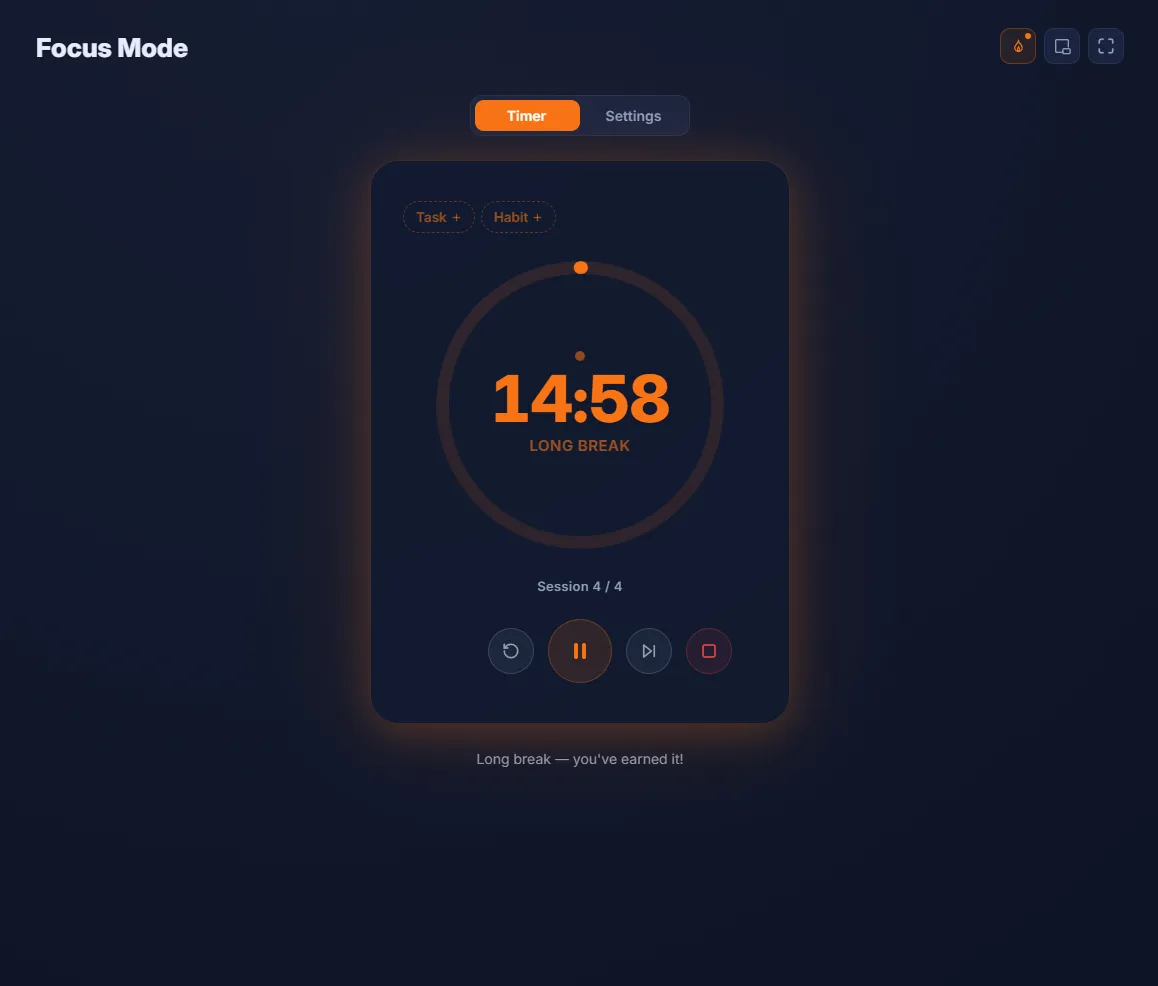
Long Break
You've earned it — recharge fully
Make it yours
Switch between beautiful color themes to match your mood and workflow.
Need help?
We've got you
Report issues, ask for features, or reach out for help getting Munjez running smoothly.
Get help from the Munjez team
If you hit a bug or have a feature suggestion that can make Munjez better, open a ticket on GitHub and include a screenshot when possible. We review issues regularly and prioritize fixes based on impact.
Before reporting, remember
- Update first: install the latest release and retry the issue.
- Share context: include your OS version and what you were doing.
- Add media: attach a screenshot or short clip for faster troubleshooting.
Ready to get
things done?
Free, fast, and offline-first. No subscription. Just you and your goals.
